



Available
Anniversary greeting
A anniversary greeting card with your message written exactly.
See the design plan Social mediaYouTube, TikTok, Reels and Instagram9
 Marketing & adsProducts, ads and brand14
 Business by sectorRestaurants, beauty, real estate…64
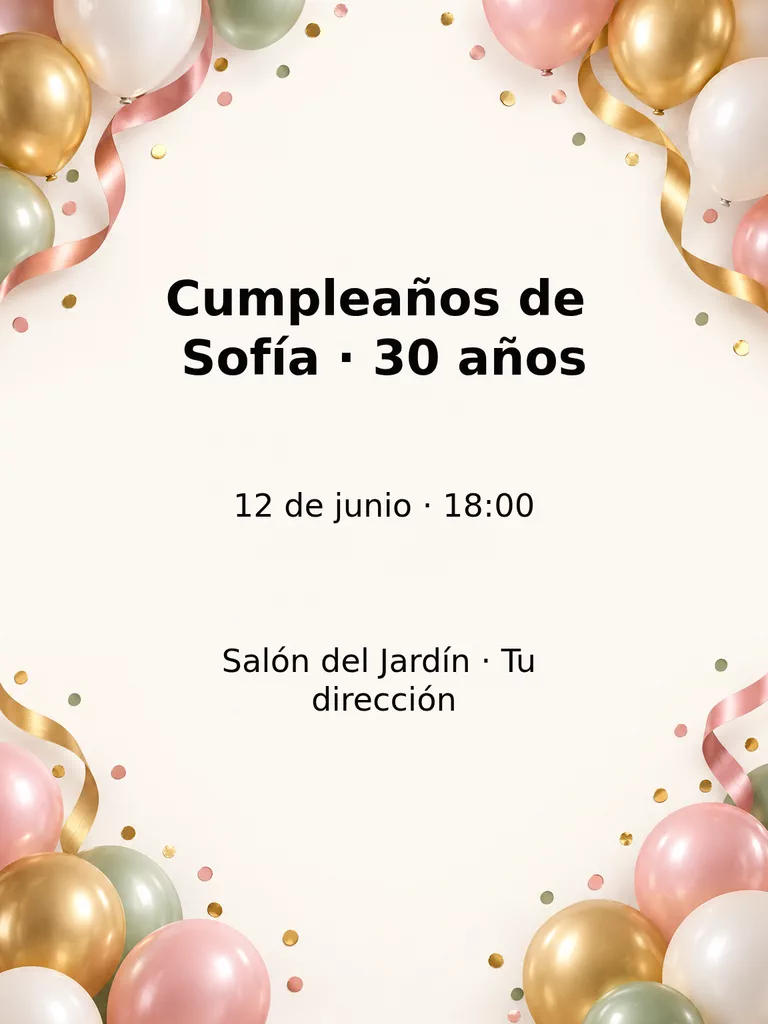 OccasionsBirthdays, weddings, quinceañeras…51
 Film & videoScenes, shots and storyboards10
 Edit videoWeather, light, background, style · Beta8
 Design & photoEdit, retouch and expand18
 Voice & audioVoice-overs, radio spots, stories3
 TrendingViral effects with your photo or video5
Anniversaries · Available
Anniversary invitation with your exact details: names, date and place.
Prepare in the StudioExplore the StudioOpening the Studio does not generate or charge anything.
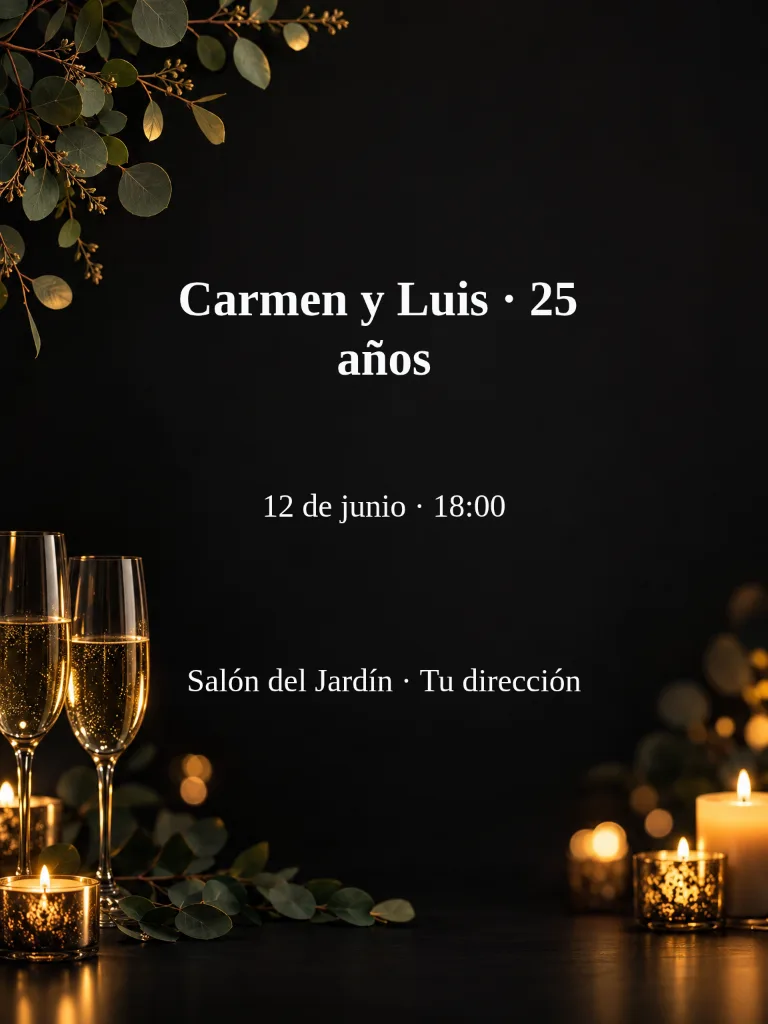
Flat vertical background for an anniversary invitation, warm and elegant. Two crystal glasses with golden reflections and a few lit candles with soft bokeh along the bottom, and thin eucalyptus branches in the upper left corner. Dim candlelight.
Leave a clear area for the main information and keep decorative elements away from the text. Check the design at phone size before sharing.
Start with the occasion and format. The recipe prepares a model and an editable description for the background.
Names and years · Date · Time
You see the credit cost and decide whether to generate. Nothing starts automatically.
Choose the format (print, story, post or screen) and one of several designs. The model that best writes lettering places your names, prices, dates and addresses; check them before sharing and ask for another variation if a letter comes out wrong. Every creation takes its own variation. If you prefer, ask for the background without letters and add your exact words afterwards in a local text layer that you can correct without generating again.
Check spelling, contrast and any information that will be printed or shared.
Available
A anniversary greeting card with your message written exactly.
See the design plan

Available
Vertical 9:16 anniversary story, with room for the app's controls.
See the design planAvailable
Prepare anniversary video with your details, a scene plan and a choice of video styles. Review the credit cost before creating.
Illustrative image · A new video is generated when you create.
See the design planYes. Prepare it in the Studio, enter your details and review the model, format and cost. Opening the template does not generate or charge anything.
Have these details ready: Names and years, Date, Time. Check spelling and confirm the final information before sharing your design.
You choose where you will use it and a design, and the model places your words in the image. It can make mistakes, so review the result before sharing; if a letter comes out wrong, ask for another variation or choose a background without lettering and add the exact words in a local text layer.
The Studio displays the credit cost before you press Create. Viewing a page or opening a template does not start a generation or a payment.
Change the weatherBeta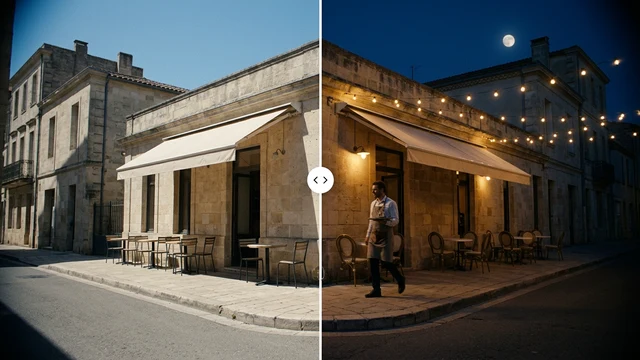 Change the time of dayBeta
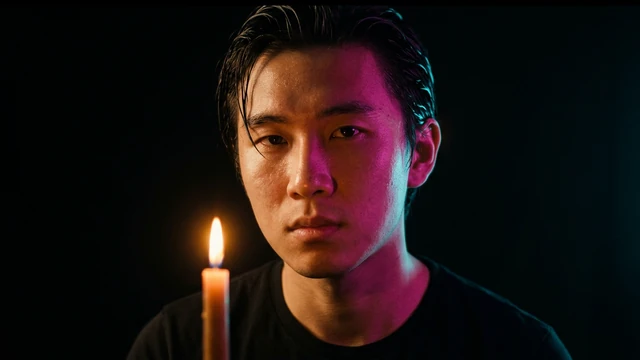 Change the lightingBeta
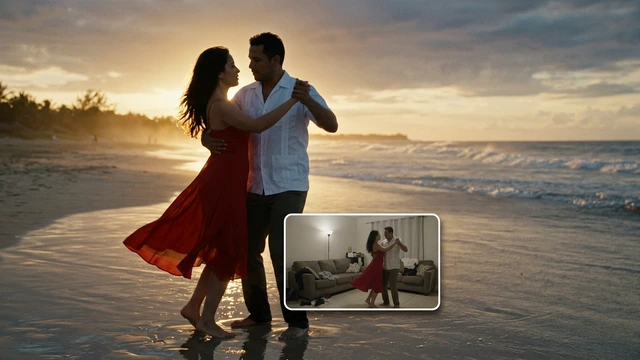 Change the video backgroundBeta
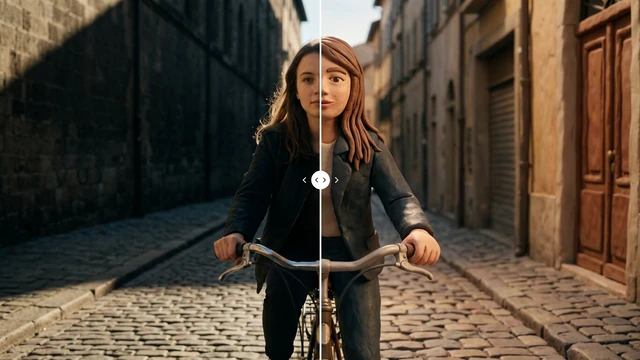 Restyle a videoBeta