





COCUYO APPS
One App
for each task.
Choose what you want to make — a thumbnail, an ad, a voice-over — and fill in a short form. Each App uses the Studio’s models and shows you the cost before you generate.
Open Apps in the StudioExplore for free. Create with an account and credits.
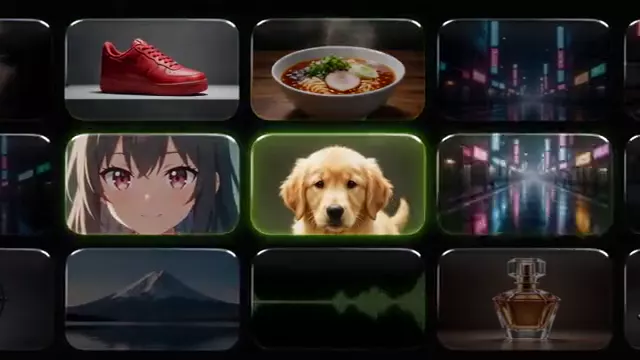
YOUTUBE, TIKTOK, REELS AND INSTAGRAM
Social media
 YouTube thumbnailAn eye-catching cover for your video.
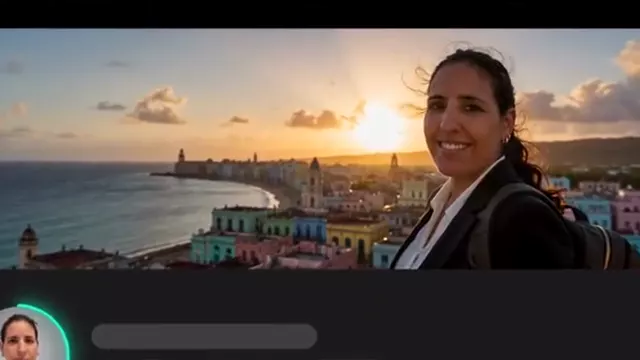 YouTube bannerYour channel cover.
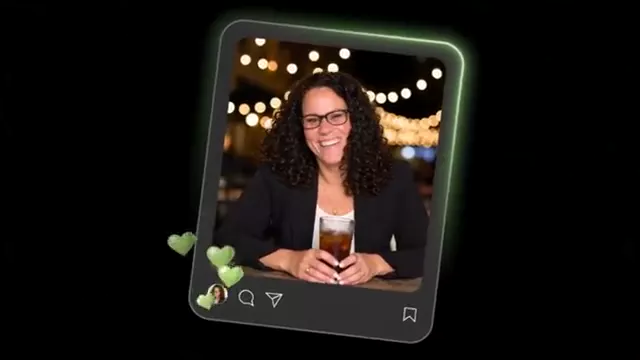 Instagram postA square image ready to post.
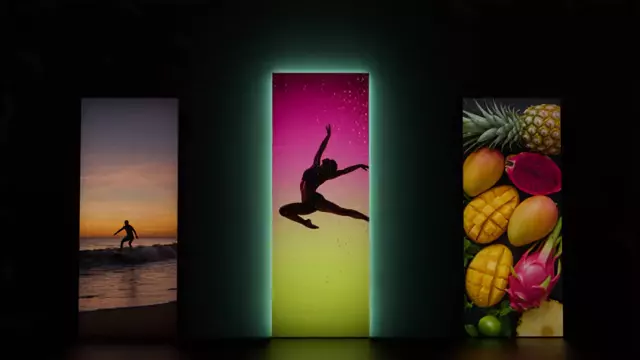 Reel or TikTok coverA vertical image with your title.
 Vertical videoFor TikTok, Reels and Shorts.
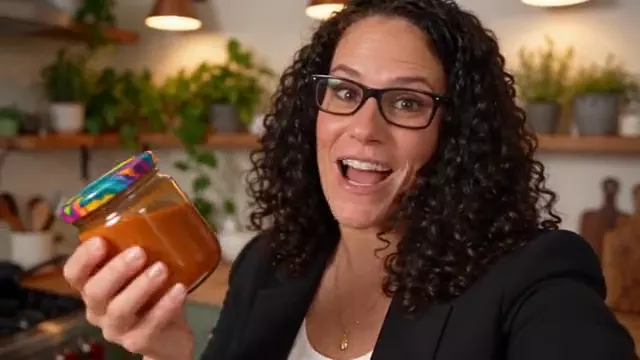 UGC videoA person recommends your product on camera.
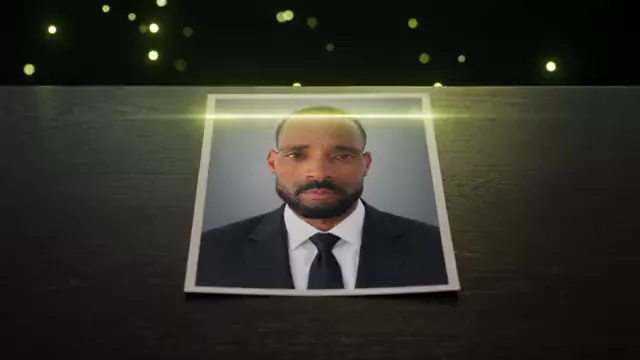 Talking characterYour character says your line, with voice.
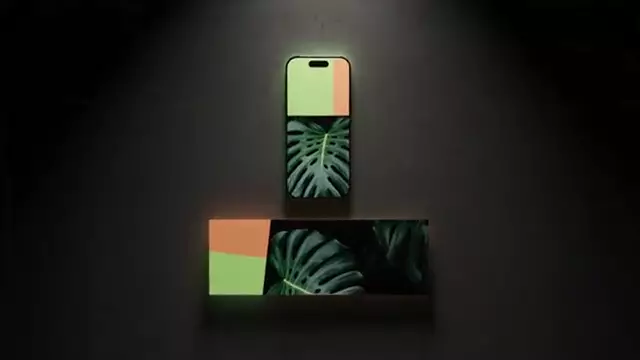 Your design in every formatTurn your post into a story, cover or banner without redoing it.
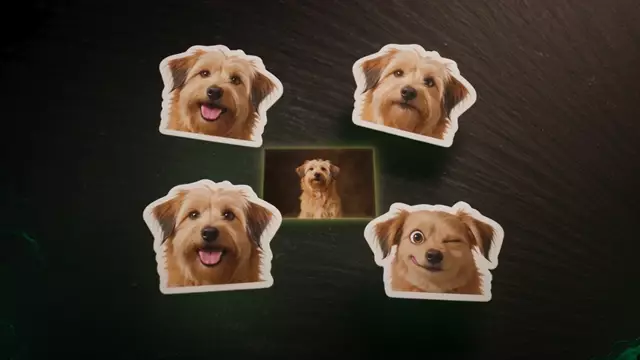 Stickers of your petYour pet, an object or a drawing turned into stickers with expressions.
PRODUCTS, ADS AND BRAND
Marketing & ads
 Product shotYour product in a professional setting.
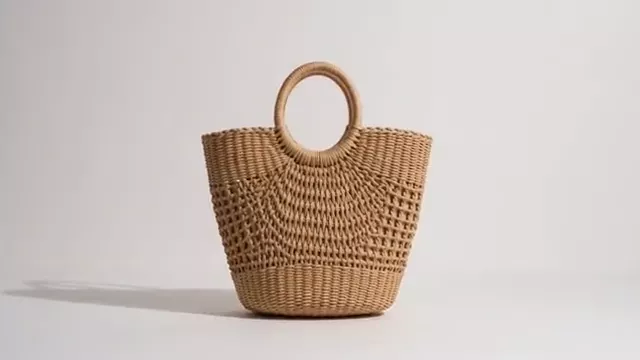 White background for storesYour product ready for Amazon or your site.
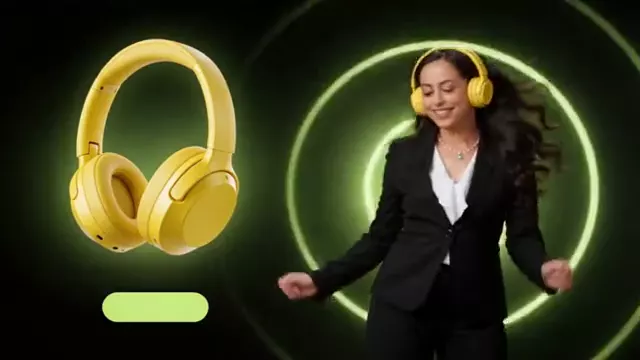 Create an adA social ad with your headline.
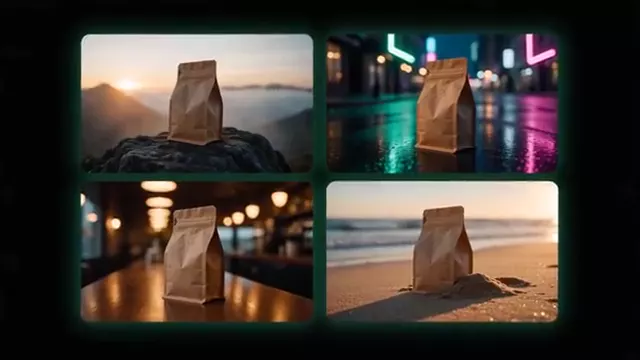 4 ad conceptsFour different angles for your campaign.
 Ad variationsNew headline, new colours, same product.
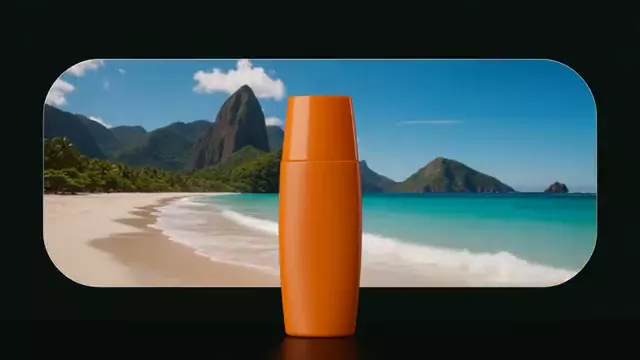 Translate an adSame design, another language.
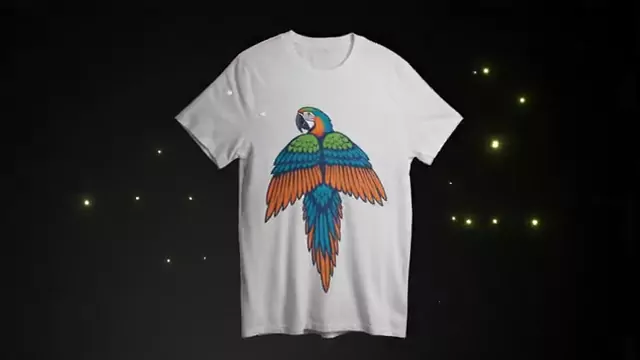 MockupYour design on real products.
 Product videoFrom a product photo to an ad.
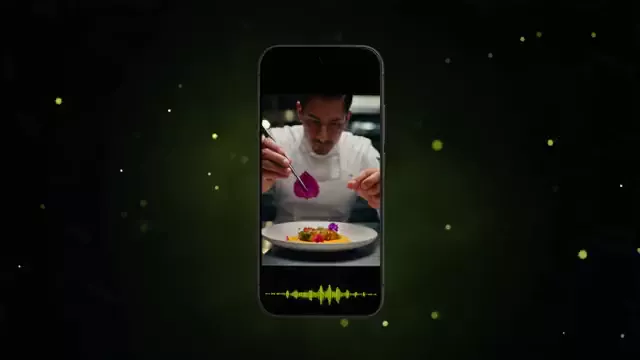 Video ad with voice8 vertical seconds, with sound.
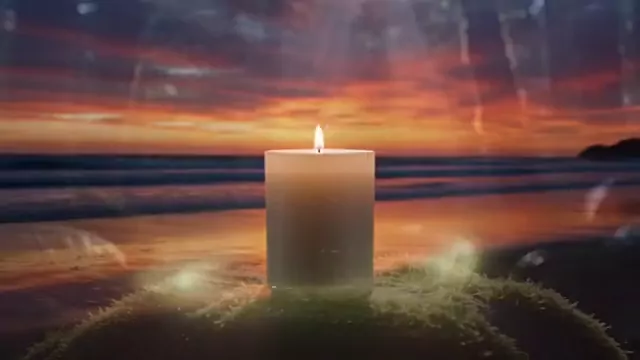 Your product in new settingsOne photo, several settings as separate files.
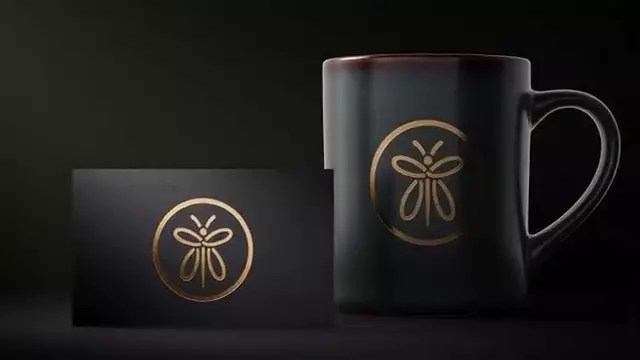 Create your logoWrite your business name and pick a style: you get original proposals.
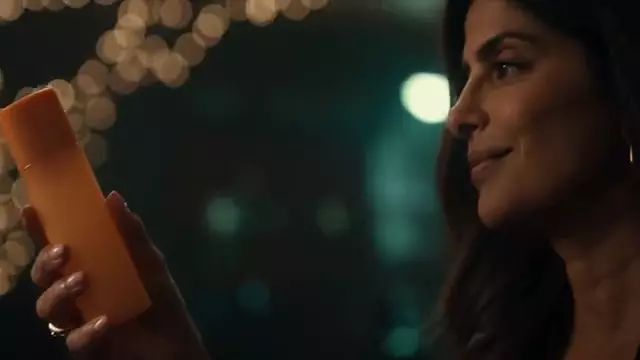 Your product in someone’s handsA person invented by the AI uses your product in a real place.
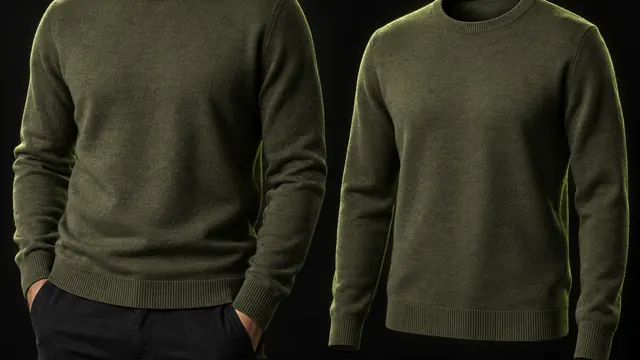 Your garment on a modelUpload your garment and see it on an invented model or on an invisible mannequin.
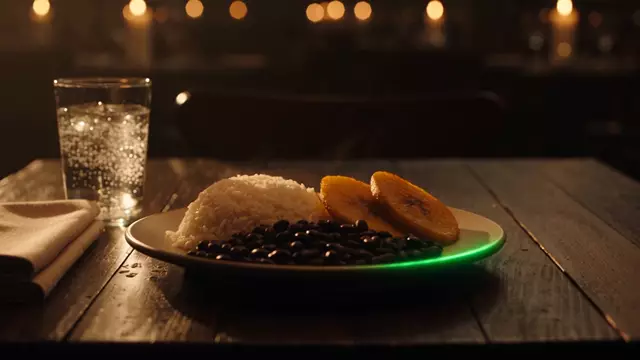 Your dish ready for the menuYour dish photo with restaurant light and background, without changing the food.
SCENES, SHOTS AND STORYBOARDS
Film & video
 Animate a photoBring an image to life.
 Multi-shot videoOne scene with several shots.
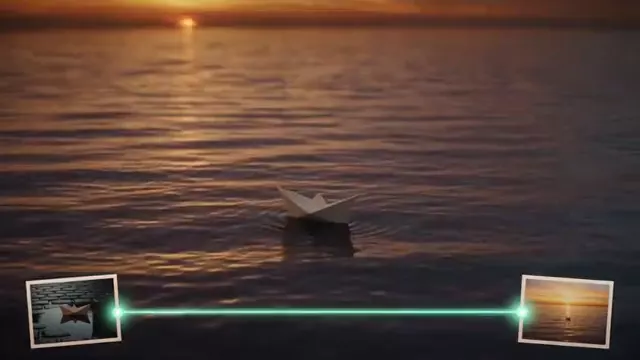 Between two framesYou choose the start and the end.
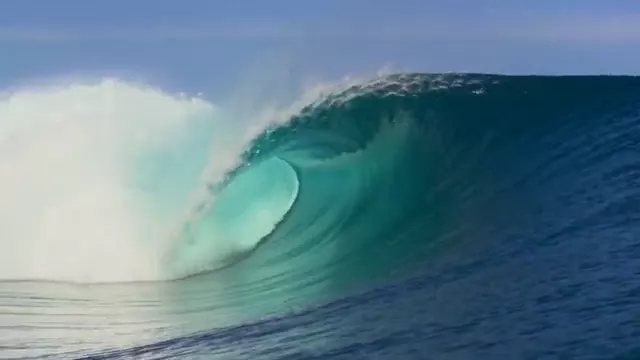 Seamless loopEnds where it starts, no cuts.
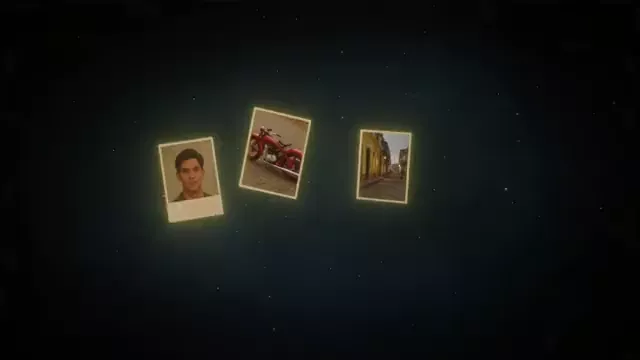 Video from referencesCharacters and places from your photos, on screen.
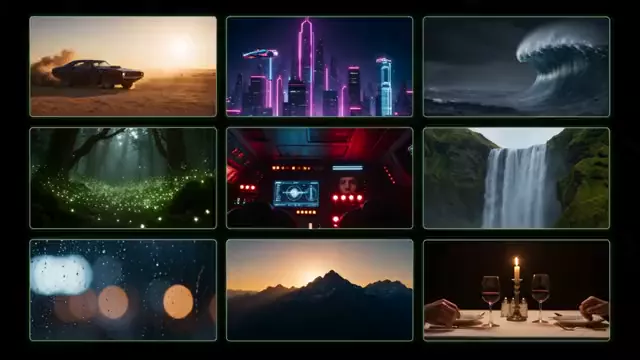 9 cinematic scenesA visual brainstorm for your story.
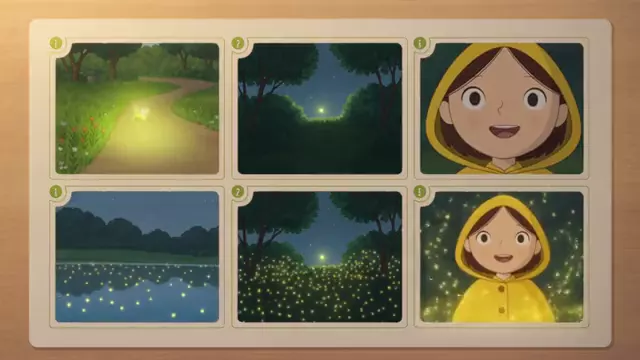 StoryboardYour story in 6 numbered panels.
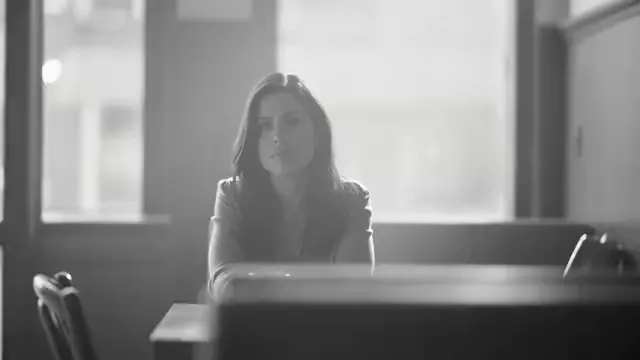 Cinematic look for photosFilm colour and light for your photo.
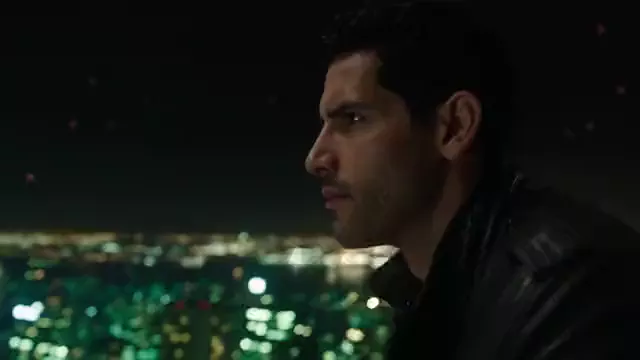 Direct a shotDescribe the scene and camera movement.
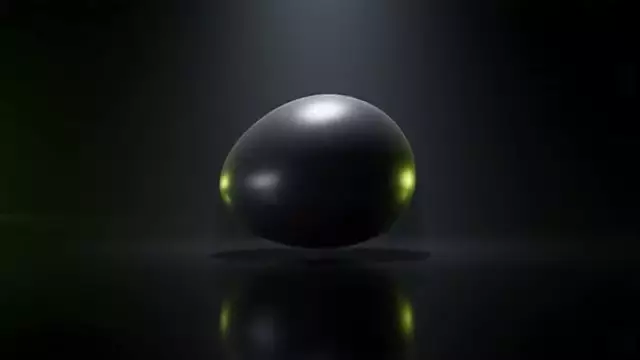 Object effectsAn object in your photo melts, inflates, floats or bursts in a video.
WEATHER, LIGHT, BACKGROUND, STYLE · BETA
Edit video
 BetaChange the weatherRain, snow or fog in your video.
 BetaChange the time of dayDay to night, or golden hour.
 BetaChange the lightingStudio, neon or candle light.
 BetaChange the video backgroundA new place behind your characters.
 BetaRestyle a videoAnime, claymation, watercolour…
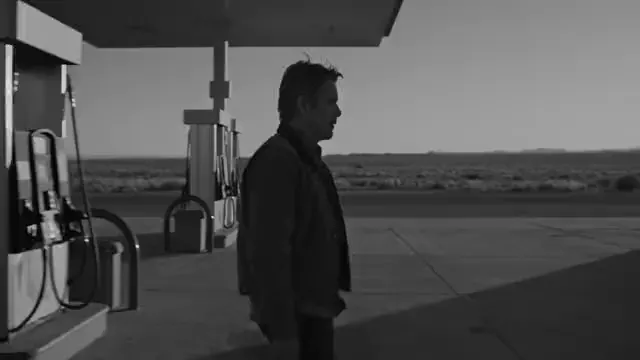 BetaCinematic look for videosA colour grade for your video.
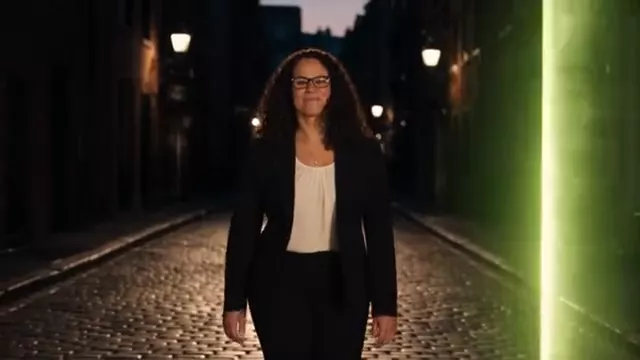 BetaSwap the characterPut someone else in your scene.
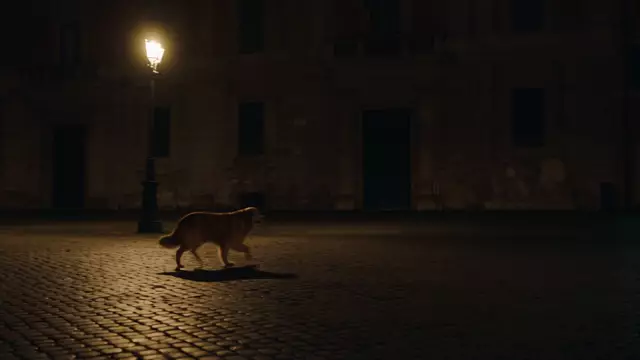 BetaAdd something to your videoAn animal, an object or an invented character joins your scene.
EDIT, RETOUCH AND EXPAND
Design & photo
 Edit an imageChange anything, keep the rest.
 Change the backgroundA new place, same person or object.
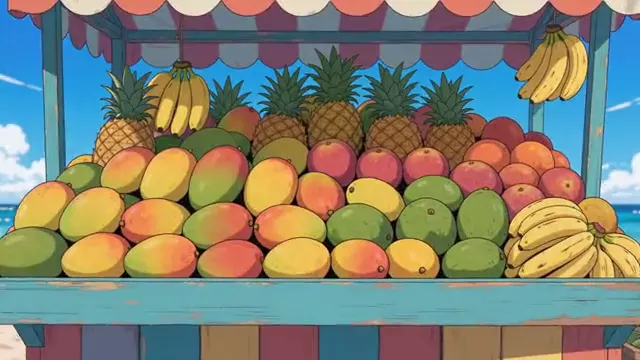 Restyle an imageWatercolour, anime, oil, 3D…
 Professional headshotA profile photo with studio light.
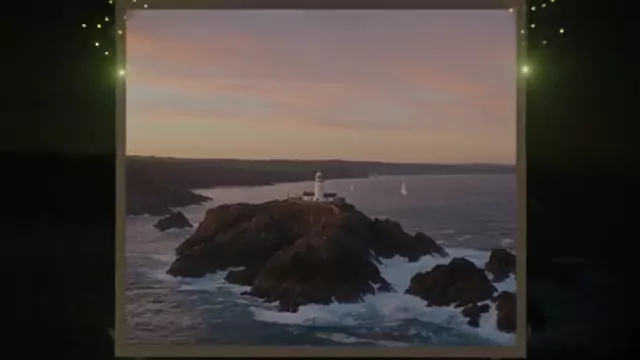 Expand the frameChange the format and fill the edges.
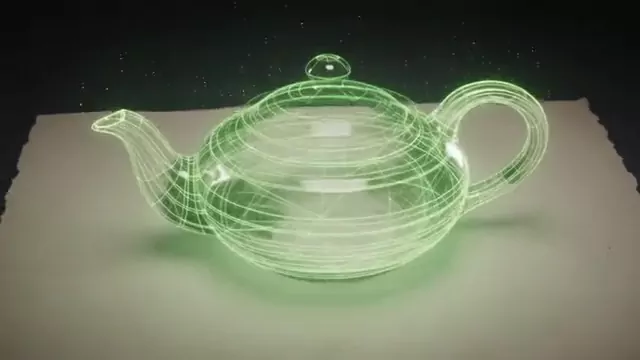 Sketch to 3DYour drawing as a 3D character.
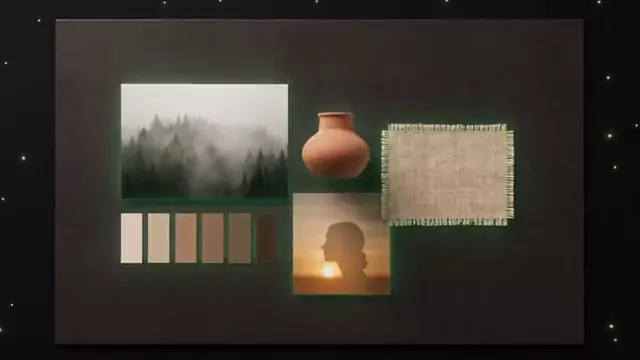 Mood boardThe visual direction for your project.
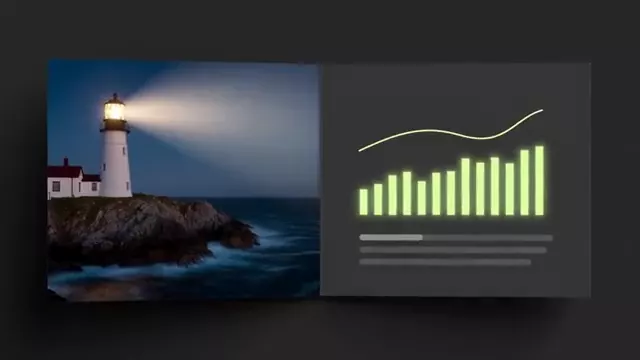 SlideA slide ready to present.
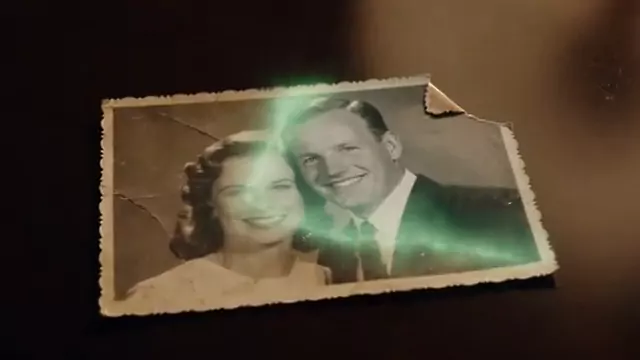 Restore a photoChoose what to repair and what to keep.
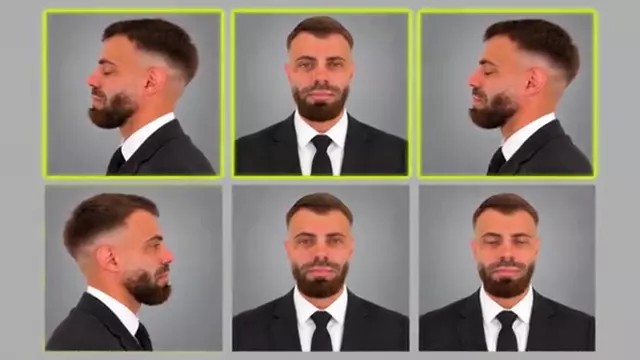 Angle contact sheetOne image with nine views of the subject.
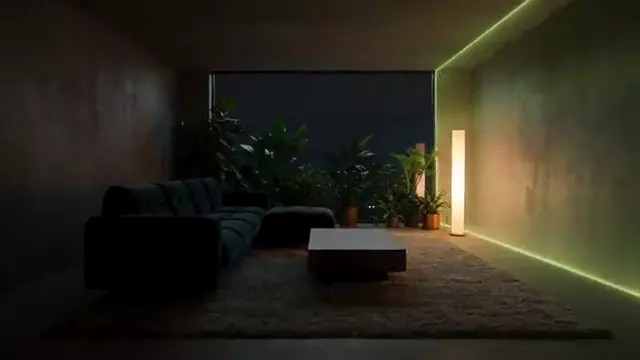 Furnish a roomUpload a photo of an empty or dated room and see it furnished or restyled.
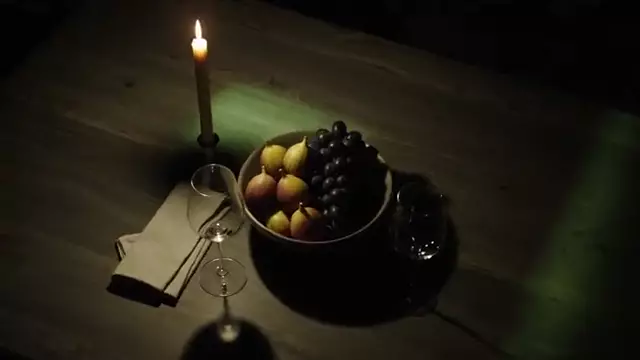 Another angle of your photoThe same scene seen from above, from the side or closer.
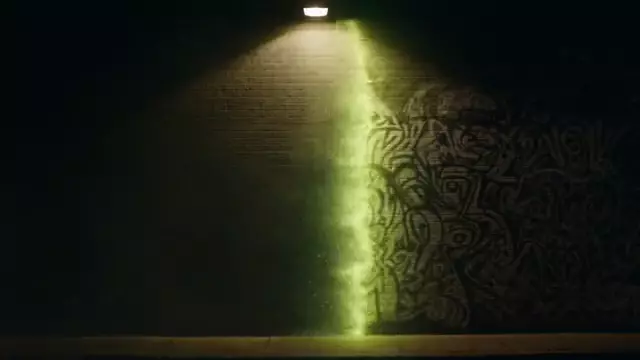 Remove text from an imageRemove signs or text from your own photo. It is not for removing other people’s watermarks.
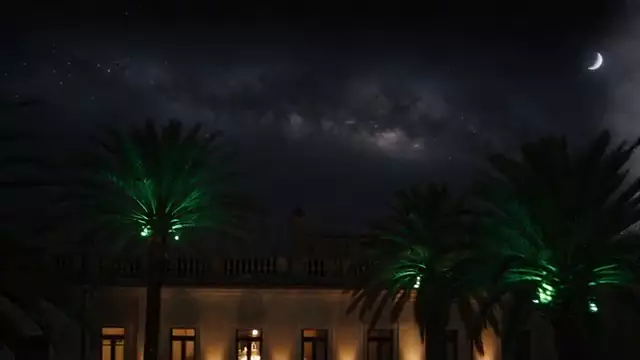 Change the skyA grey sky becomes a sunset, stars or clouds, and the light adapts.
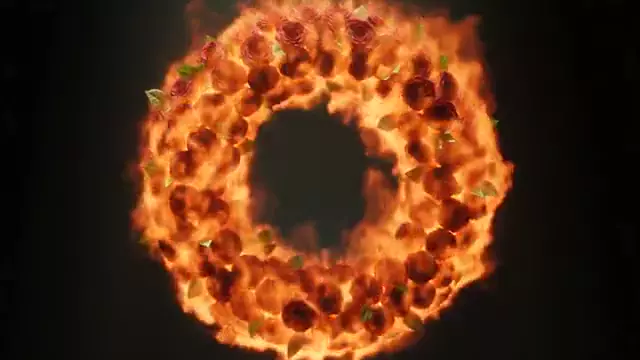 Text effectsA word made of flowers, fire, gold, balloons or neon.
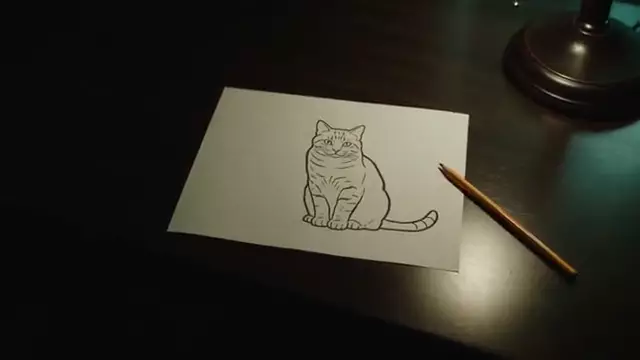 Coloring pagesAn idea or a photo becomes a line-art page to print.
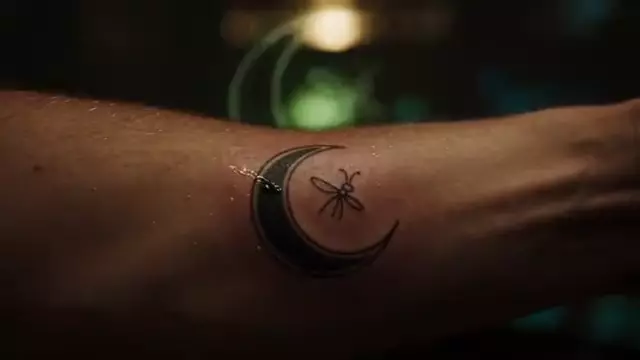 Design your tattooYour idea turned into a tattoo design to take to your artist.
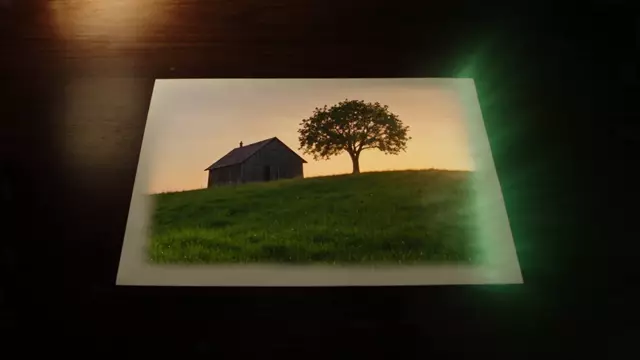 Sketch to imageUpload a drawing or doodle and turn it into a photo or illustration.
VOICE-OVERS, RADIO SPOTS, STORIES
Voice & audio
VIRAL EFFECTS WITH YOUR PHOTO OR VIDEO
Trending
ON YOUR DEVICE · NO CREDITS
Utilities
Convert images and audio on your device, without uploading files. Free with an account: 30 welcome uses, then 1 credit per use.
 30 free uses · on your deviceImage converterChoose JPG, PNG, WebP or ICO; AVIF if your browser can create it.
 30 free uses · on your deviceWAV to MP3Make your audio lighter.30 free uses · on your deviceStitch videosJoin clips on your device.30 free uses · on your deviceSynthesized sound effectsChoose a preset and download a WAV; no AI.30 free uses · on your deviceSharpen a photo, no AIAdjust sharpness and x1 or x2 scale with interpolation.30 free uses · on your deviceResize and sharpen video (no AI)Original, 720p or 1080p with interpolation and gentle sharpening. Does not recover missing detail.30 free uses · on your deviceRemove object in fixed shotCover a video area using a clean background photo.
COMING SOON
In preparation
- Lip sync
- Change a voice
- AI object removal from any video
- Pro subtitles
CREATE AT YOUR PACE
Your credits never expire.
Buy a top-up or choose an optional plan. Check the cost of each creation before you confirm.
Before you start
What is an App in Cocuyo?
A ready-made task — a thumbnail, an ad, a voice-over — with its own form. It prepares the model and settings in the Studio; you review everything before you press Generate.
Do Apps cost extra?
No. They use the same credits as the rest of the Studio. The cost depends on the model and settings, and you see it before generating. Utilities that create files run on your device: 30 welcome uses with a free account, then 1 credit per use.
Why are some Apps coming soon?
They need a model that is not connected to the Studio yet. They appear without a link until they can be used.