
























































































































From a photo to a scene
With supported models, use an image as your starting point and describe movement in the character, object or camera.
Image
 Pro image editorComing soon
Video
 Pro video editorComing soon
Audio
 Pro audio editorComing soon
Free tools
Apps
PUT YOUR IDEA IN MOTION
Create AI clips from text or compatible images. Choose a model and settings, check the credit cost and confirm with your verified account. Then download your clips and assemble them with Merge videos, free with an account.
Explore videoExplore freely. Create with an account and credits.
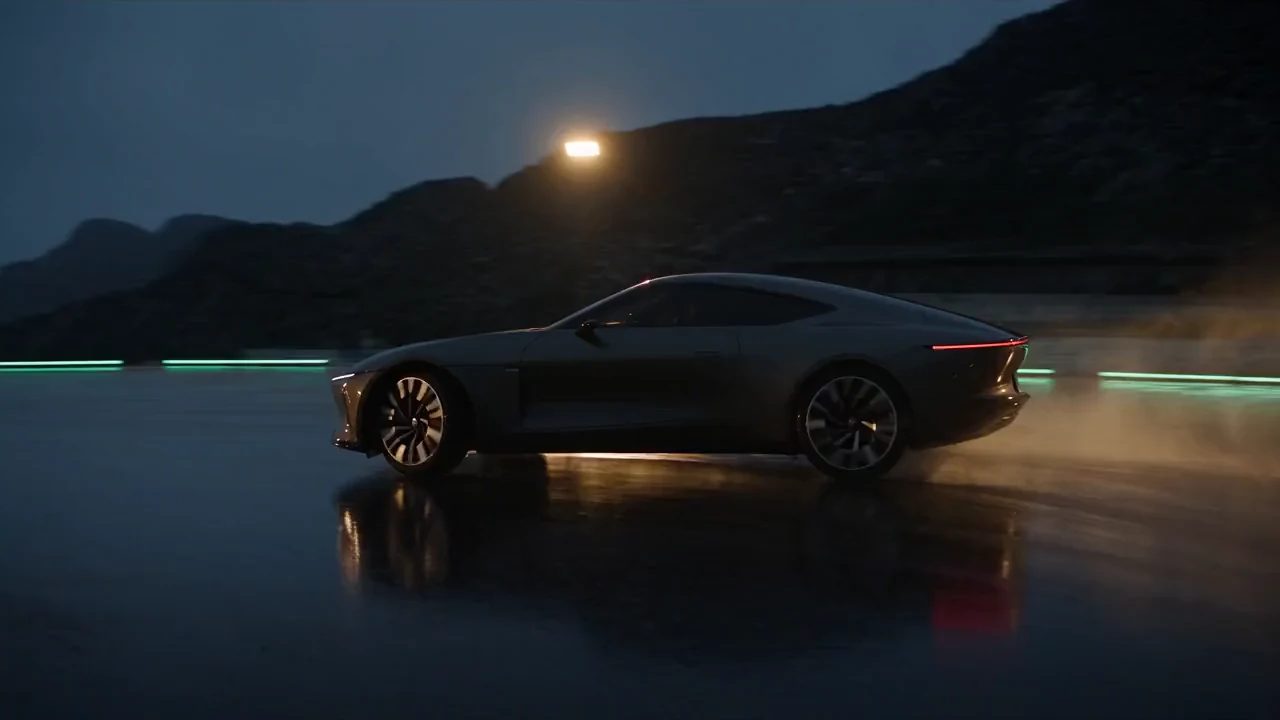
MAKE IT YOURS
With supported models, use an image as your starting point and describe movement in the character, object or camera.
Choose a format that fits your idea. Work in landscape or portrait when supported by the model.
Generate independent shots and compare alternatives. Decide what works before assembling them in your video editor.
HOW IT WORKS
Define the subject, action, setting and camera movement. Add compatible references when you need a specific identity or product.
Choose a model, duration, resolution and aspect ratio from the available options. Sound and reference types vary by model.
Check the credit cost before starting. Follow the generation status and find the result in My creations.
Each engine has its own durations, resolutions and reference support. The Studio selector shows what is available for your settings.
CREATE AT YOUR PACE
Buy a top-up or choose an optional plan. Check the cost of each creation before you confirm.
No. Audio depends on the model and configuration. Check the selected model’s controls before confirming.
It depends on the model. Some support several reference types; others accept only images or start and end frames. The Studio displays the applicable limits.
Free allows up to 2 simultaneous generations; Basic up to 4 and Pro up to 8. This counts all creations in progress across the account, not just one browser tab.
Clips are generated separately. Merge videos runs on your device without credits; a free account is needed to download. It accepts 2 to 10 compatible clips, up to 300 MB each and 10 minutes combined. If the browser cannot read a clip’s audio, that part may be silent; check the result.
Yes. Check the credit cost before you start. Then follow the generation status and find the result in My creations.