









Beauty and salons · Available
Beauty salon post
A square composition to highlight a service.
Prepare in the StudioExplore the StudioOpening the Studio does not generate or charge anything.
The planned composition
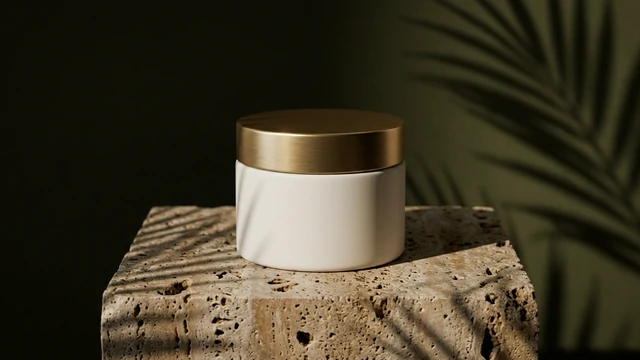
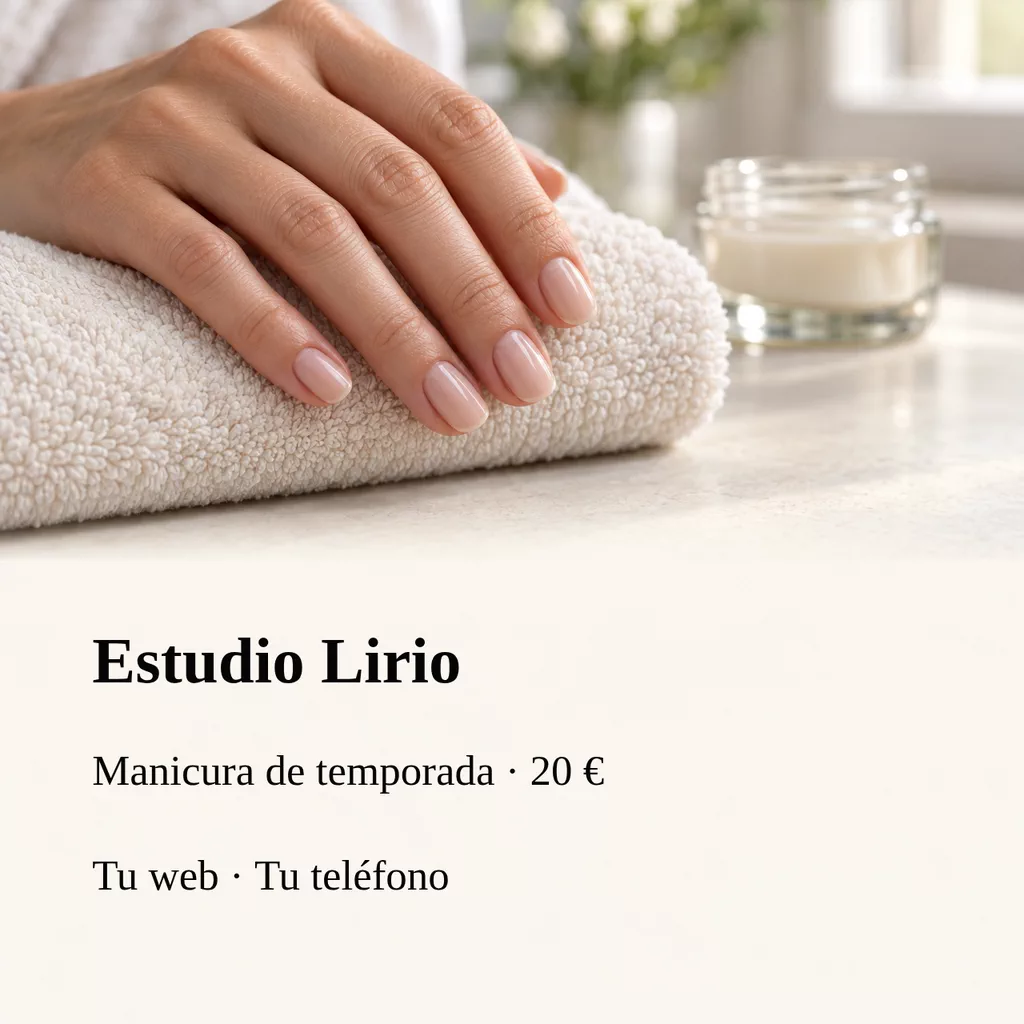
Square editorial image for a beauty salon. In the upper half, a delicate detail of an adult hand with natural anatomy and a neat neutral manicure resting on a soft towel; only the fingers needed for a simple pose, no branded jewelry. A small plain unlabeled glass container and faint reflections in the background.
Plan your design
Leave a clear area for the main information and keep decorative elements away from the text. Check the design at phone size before sharing.
- Format
- 1:1
- Starting model
- GPT Image 2.5 Sunburst / GPT Image 2.5 Flare
- Planned resolution
- 4K · experimental high resolution
- Details to prepare
- Business name · Service and price · Contact or address
From a few details to your design
Choose the look
Start with the occasion and format. The recipe prepares a model and an editable description for the background.
Fill in your details
Business name · Service and price · Contact or address
Review before creating
You see the credit cost and decide whether to generate. Nothing starts automatically.
Your details in the image
Choose the format (print, story, post or screen) and one of several designs. The model that best writes lettering places your names, prices, dates and addresses; check them before sharing and ask for another variation if a letter comes out wrong. Every creation takes its own variation. If you prefer, ask for the background without letters and add your exact words afterwards in a local text layer that you can correct without generating again.
Check spelling, contrast and any information that will be printed or shared.
More templates in this category
Available
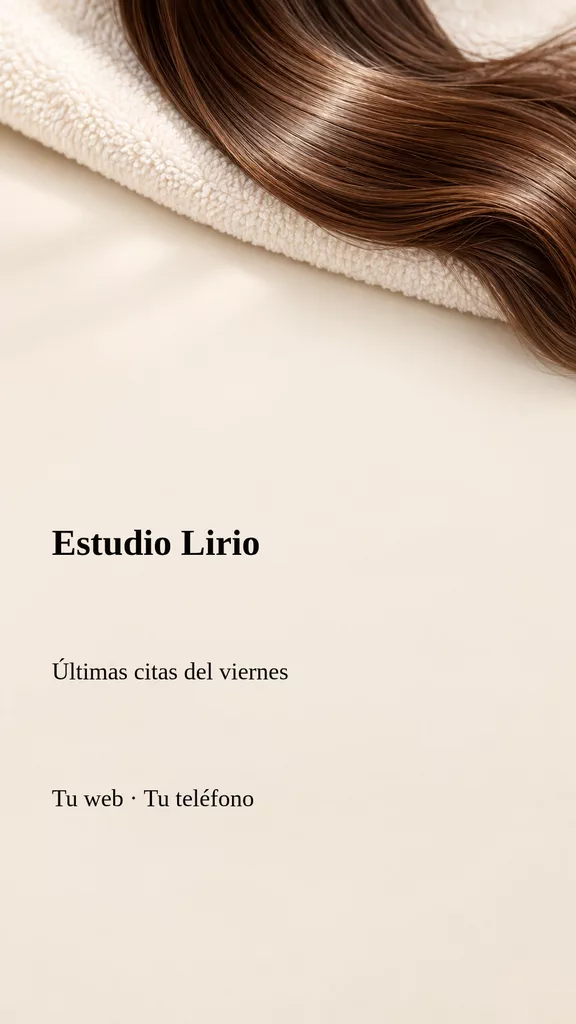
Beauty salon story
A vertical story to announce appointment availability.
See the design plan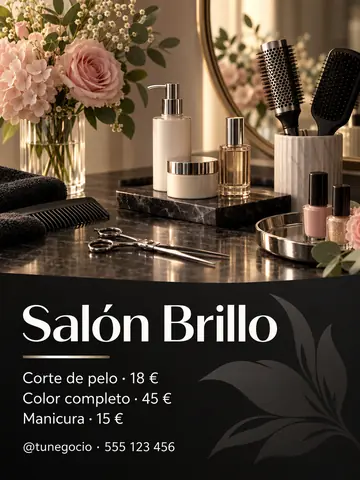
Common questions
Can I use beauty salon post now?
Yes. Prepare it in the Studio, enter your details and review the model, format and cost. Opening the template does not generate or charge anything.
What should I prepare?
Have these details ready: Business name, Service and price, Contact or address. Check spelling and confirm the final information before sharing your design.
How do I keep names and dates accurate?
You choose where you will use it and a design, and the model places your words in the image. It can make mistakes, so review the result before sharing; if a letter comes out wrong, ask for another variation or choose a background without lettering and add the exact words in a local text layer.
When will I see the cost?
The Studio displays the credit cost before you press Create. Viewing a page or opening a template does not start a generation or a payment.