










WiFi QR code
Scan to connect, no typing the password.
Free tool · on your device
 Social mediaYouTube, TikTok, Reels and Instagram9
 Marketing & adsProducts, ads and brand14
 Business by sectorRestaurants, beauty, real estate…64
 OccasionsBirthdays, weddings, quinceañeras…51
 Film & videoScenes, shots and storyboards10
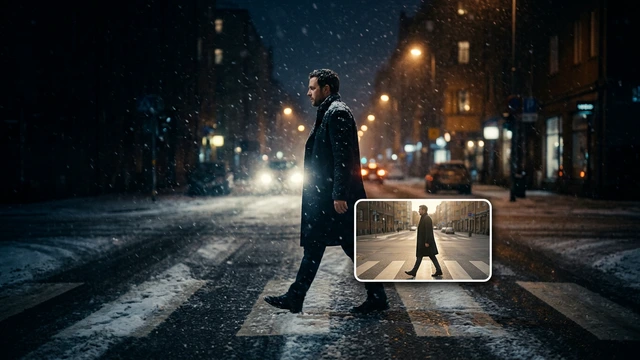 Edit videoWeather, light, background, style · Beta8
 Design & photoEdit, retouch and expand18
 Voice & audioVoice-overs, radio spots, stories3
 TrendingViral effects with your photo or video5
GUIDE · WHATSAPP AND QR FOR YOUR BUSINESS
Open the free WiFi QR code tool, type the network name (SSID), choose the security (usually WPA / WPA2 / WPA3) and type the password. Download the code as PNG or SVG, scan it with your phone to test it and print it for the till, the tables or reception.
Open WiFi QR codeFree with an account, no subscription or watermark. Your files never leave your device.
STEP BY STEP
The network name and password are usually on a label on the router. If you have a guest network, use that one.
Exactly as they are, with capitals. Security: WPA / WPA2 / WPA3, WEP or no password. Tick “Hidden network” if your network is not broadcast.
Under “Design and logo”, change colours and margin or add your logo; with a logo the highest error correction is used.
“Download PNG” for screens or “Download SVG” to print at any size. Scan it with a phone before printing.
TOOLS IN THIS GUIDE
Scan to connect, no typing the password.
Free tool · on your device
URL, text, WiFi, WhatsApp or email.
Free tool · on your device
TIPS
Use a guest network for customers: it keeps your work network separate.
If you change the WiFi password, the QR stops working: make a new one and print it again.
For another QR, such as your menu or website, use the QR code generator.
They open the phone camera and point it at the code: most recent Android phones and iPhones offer to connect without typing anything.
The password is inside the code, so anyone who scans it can connect: it is like saying it out loud. That is why a guest network is a good idea. The code is made in your browser and we do not store the password.
No, as long as you do not change the network name or password. It does not go through any website of ours.
Yes. The free tools in this guide run in your browser and add no watermark. Tools that create files share the 30 welcome uses of your free account, then cost 1 credit per use; tools that show the result on screen have no usage cap. You can try them before signing up; to download the result or keep using them we ask for a free account, with no subscription.
Change the weatherBeta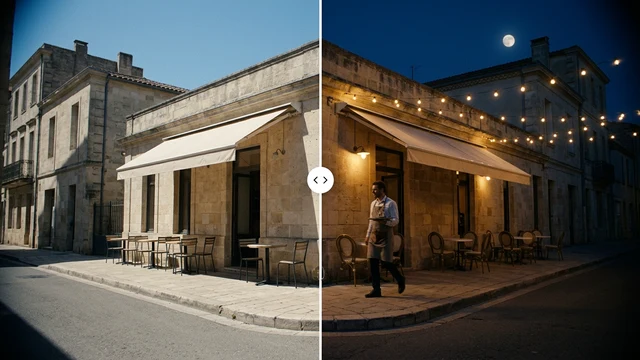 Change the time of dayBeta
 Change the lightingBeta
 Change the video backgroundBeta
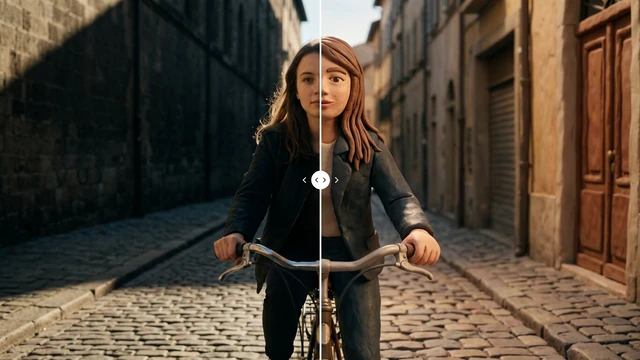 Restyle a videoBeta