






Available
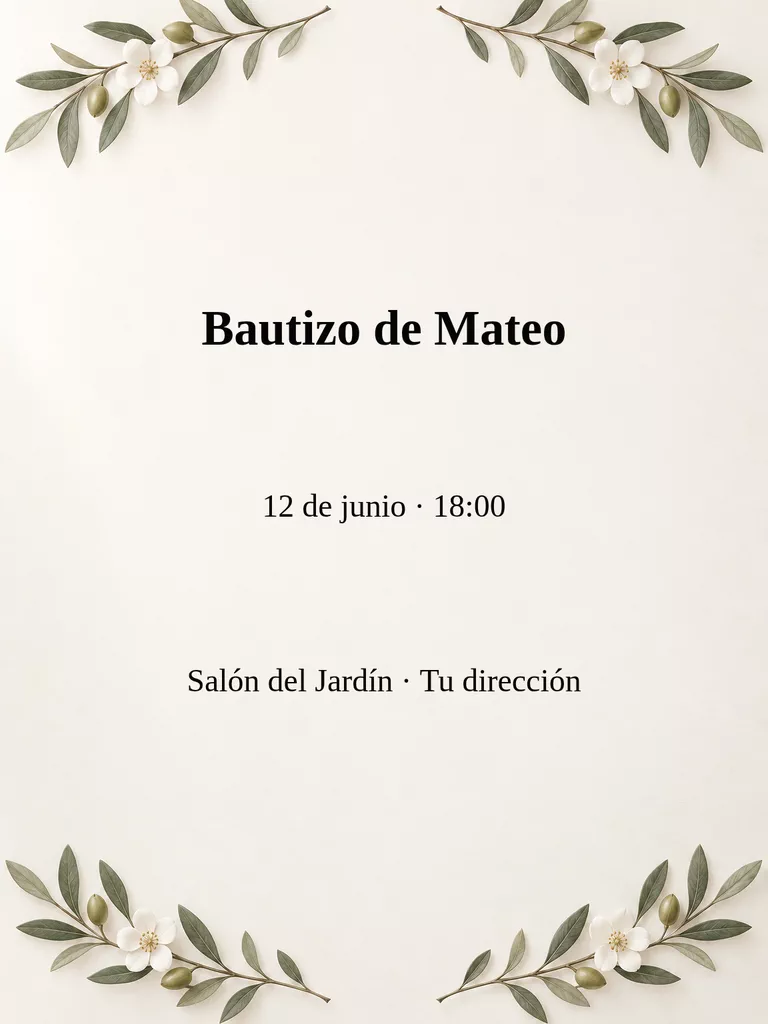
Baptism invitation
A calm card with name, date and venue added as overlays.
See the design plan Social mediaYouTube, TikTok, Reels and Instagram9
 Marketing & adsProducts, ads and brand14
 Business by sectorRestaurants, beauty, real estate…64
 OccasionsBirthdays, weddings, quinceañeras…51
 Film & videoScenes, shots and storyboards10
 Edit videoWeather, light, background, style · Beta8
 Design & photoEdit, retouch and expand18
 Voice & audioVoice-overs, radio spots, stories3
 TrendingViral effects with your photo or video5
Baptisms and communions · Available
Prepare baptism or communion video with your details, a scene plan and a choice of video styles. Review the credit cost before creating.
Prepare in the StudioOpening the Studio does not generate or charge anything. The cover is an illustrative image.
white flower detail
a symbol of the described ceremony
soft light on the decoration
This plan describes a requested montage, not a generated video preview.
Optionally add your own reference photo as the starting frame.
Fill in the fields for this app and choose the approach, optional lettering and sound instruction.
Check the requested scenes, model and compatible settings. The confirmed credit amount appears before Create; edits require a new quote.
Only your explicit Create action sends the generation. Your draft is saved separately for each app.
The cover is illustrative. We create a new video: check faces, text and dates before sharing it. Sound depends on the model. If a submission needs review, press Recover saved task in this App; it will not be sent again.
On-screen text is requested from the video model and can contain mistakes. Sound also depends on the selected model. A new variation requires another confirmed quote.
Recover task checks the existing task without resending. Once confirmed, the result appears in this app. Another submission stays blocked until a matching task is found, to avoid a duplicate charge.
Available
A calm card with name, date and venue added as overlays.
See the design plan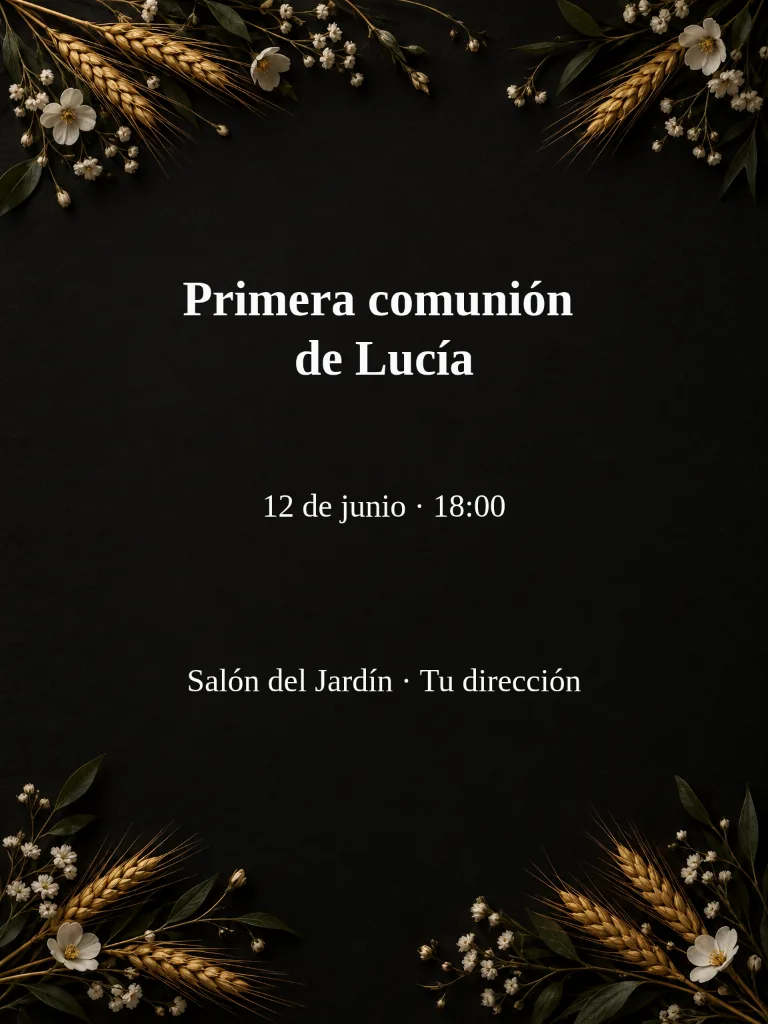
Available
First communion invitation with your exact details: names, date and place.
See the design plan
Available
Square baptism or communion post for Instagram or Facebook.
See the design plan
Available
Vertical 9:16 baptism or communion story, with room for the app's controls.
See the design planA new video for baptism or communion video from your details: Who it is for, Baptism or communion and atmosphere, Dedication message. Choose one of three approaches and review the planned scenes before Generate. Opening it does not start a generation.
It starts with Seedance 2.5 or Veo 3.1 Fast, vertical 9:16, 720p and 8 seconds, subject to the models currently available. The Studio shows compatible settings and the credit cost before Create.
No. It is an illustrative image. Each creation generates a new video. Review faces, spelling, dates, any prices and sound before sharing.
The default requests no on-screen lettering. You may request a brief title; video models can misspell it, so review the result. Ambient sound, music or silence are instructions; generated sound depends on the chosen model.
The app blocks another submission and saves your draft. Recover task checks the existing task without resending or charging again. Once confirmed, the result appears in this app. If no matching task is found, the app remains blocked for review.
Change the weatherBeta Change the time of dayBeta
 Change the lightingBeta
 Change the video backgroundBeta
 Restyle a videoBeta