
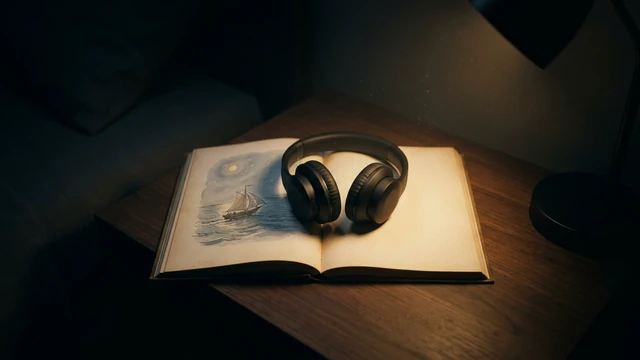








Animate a photo
Bring an image to life.
App · uses credits to generate
 Social mediaYouTube, TikTok, Reels and Instagram9
 Marketing & adsProducts, ads and brand14
 Business by sectorRestaurants, beauty, real estate…64
 OccasionsBirthdays, weddings, quinceañeras…51
 Film & videoScenes, shots and storyboards10
 Edit videoWeather, light, background, style · Beta8
 Design & photoEdit, retouch and expand18
 Voice & audioVoice-overs, radio spots, stories3
 TrendingViral effects with your photo or video5
GUIDE · VIDEO
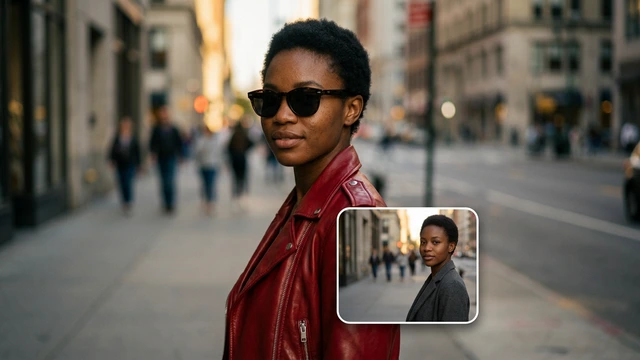
Open the Animate a photo App, upload your image (it becomes the first frame), write what moves and pick the camera movement. Check the credit cost and generate a short clip; if you want it as a GIF, convert it for free with Video to GIF.
Open the App Animate a photoOpening it is free. Generating uses credits; you see the cost first.
STEP BY STEP
The App sets up the form and the video model. Opening it is free.
It becomes the start of the clip. Use your own photos or ones you have permission for.
One simple action: “her hair moves in the wind and she smiles”, “waves break in the background”.
Static camera, push-in or pan. See the cost and generate.
Video to GIF turns the clip into an animated GIF, free and in your browser.
BEFORE YOU START
TOOLS IN THIS GUIDE
Bring an image to life.
App · uses credits to generate
Ends where it starts, no cuts.
App · uses credits to generate
A moment of your video as an animated GIF.
Free tool · on your device
TIPS
One clear movement looks more natural than many at once.
Sharp, well-lit photos animate better.
For a clip that repeats seamlessly, try the Looping video App.
Yes, if you hold the rights to the photo and have permission from the recognisable people, as the Terms require.
It depends on the model. The App page lists its models (Veo 3.1 Fast generates audio), and the App picks the model for you.
It is a short clip; duration and resolution depend on the model and are shown in the Studio before generating.
Opening the Apps, templates and the Studio is free. Generating requires a verified account and credits; Free includes no credits, but you can buy a top-up without a subscription. The cost is shown before you confirm, and credits never expire.
Change the weatherBeta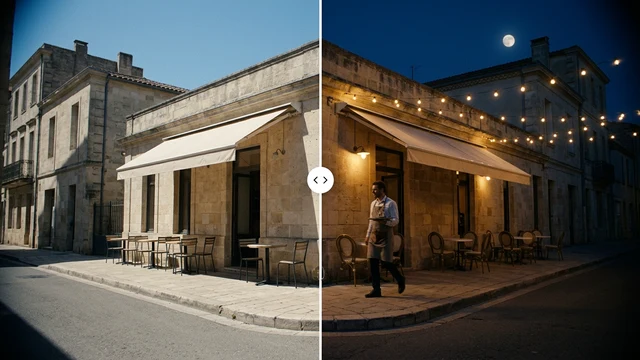 Change the time of dayBeta
 Change the lightingBeta
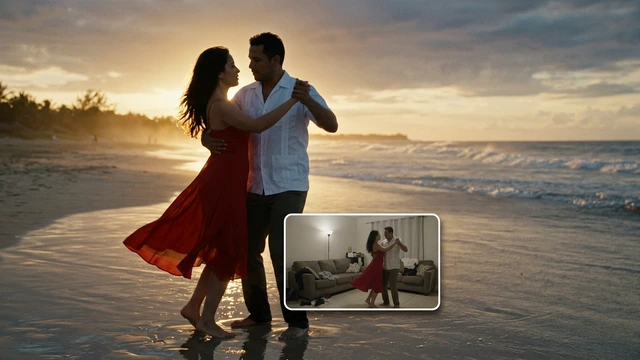 Change the video backgroundBeta
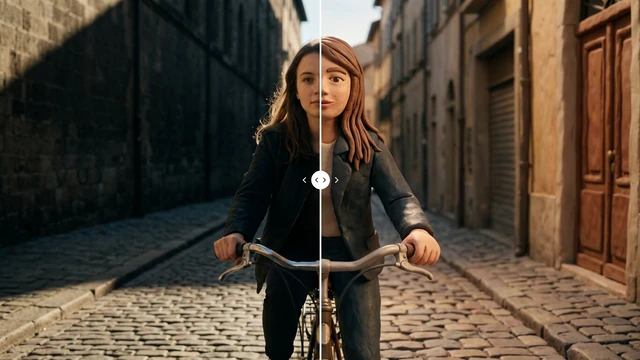 Restyle a videoBeta