



Transcribe to text
Speech to text: TXT in paragraphs or timed, and SRT.
Free tool · on your device
 Social mediaYouTube, TikTok, Reels and Instagram9
 Marketing & adsProducts, ads and brand14
 Business by sectorRestaurants, beauty, real estate…64
 OccasionsBirthdays, weddings, quinceañeras…51
 Film & videoScenes, shots and storyboards10
 Edit videoWeather, light, background, style · Beta8
 Design & photoEdit, retouch and expand18
 Voice & audioVoice-overs, radio spots, stories3
 TrendingViral effects with your photo or video5
GUIDE · AUDIO AND VOICE
Open the free Transcribe to text tool, add an audio or video file with speech up to 10 minutes long, choose the language and press “Transcribe to text”. Whisper turns it into text inside your browser; check the result, copy it or download it as TXT or SRT.
Open Transcribe to textFree with an account, no subscription or watermark. Your files never leave your device.
STEP BY STEP
Free and in your browser. It takes MP3, WAV, M4A, OGG, MP4, WebM or MOV files your browser can play.
A voice note, an interview, a class or a podcast clip, up to 10 minutes. WhatsApp voice notes work too once saved to your device.
Spanish, English or “Detect language”. Normal accuracy (about 77 MB the first time) or High (about 250 MB), slower and more accurate.
Press “Transcribe to text”, fix anything in the box, copy it or download the TXT in paragraphs or with timestamps, plus an SRT.
If it lasts up to 15 minutes, cut it into parts with the MP3 cutter and transcribe them one by one; if it is longer, cut it first in your audio editor.
TOOLS IN THIS GUIDE
Speech to text: TXT in paragraphs or timed, and SRT.
Free tool · on your device
Cut with the waveform in view, make ringtones.
Free tool · on your device
MP3, WAV, FLAC and, if your browser can, OGG and M4A.
Free tool · on your device
TIPS
Clear speech with little noise gives much better results: background music and people talking over each other confuse the model.
On a recent computer it takes about as long as the audio lasts; on a phone it can take much longer.
To keep a WhatsApp voice note as MP3, the Audio converter changes its format without uploading it.
With clear speech it usually gets most words right, but it can get names, strong accents or noise wrong, and it does not tell speakers apart. Always check the text before using it.
No. The audio is transcribed inside your browser and is not sent to Cocuyo or to any third party; only the speech model downloads, once, from our servers.
Yes: besides the TXT you get an SRT by sentence. For subtitles burned into a video, use the Auto subtitles tool.
Yes. The free tools in this guide run in your browser and add no watermark. Tools that create files share the 30 welcome uses of your free account, then cost 1 credit per use; tools that show the result on screen have no usage cap. You can try them before signing up; to download the result or keep using them we ask for a free account, with no subscription.
Change the weatherBeta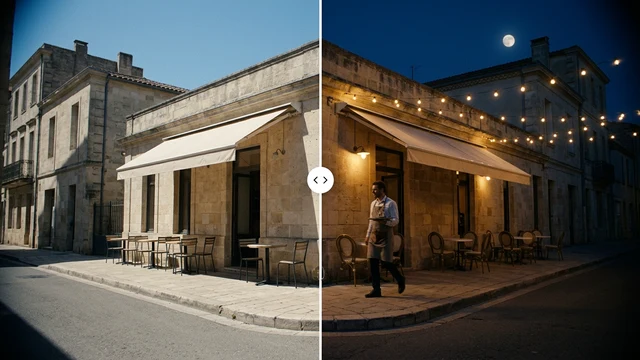 Change the time of dayBeta
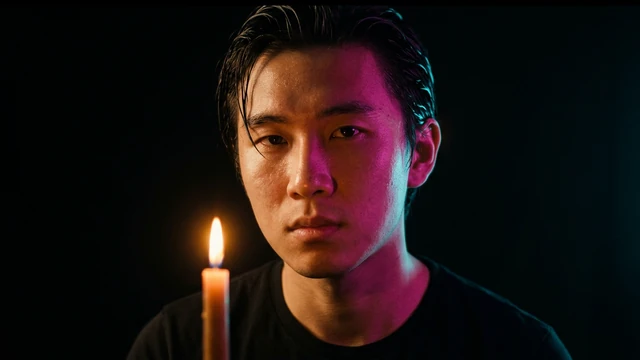 Change the lightingBeta
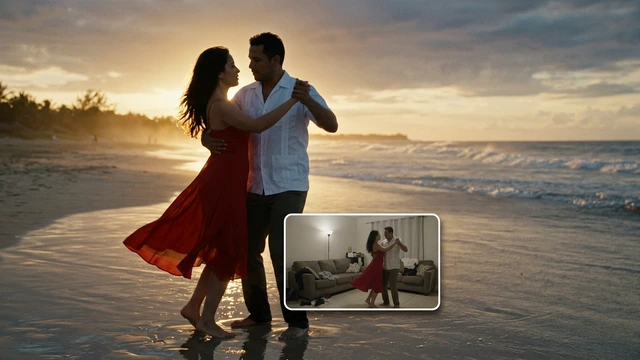 Change the video backgroundBeta
 Restyle a videoBeta