YouTube thumbnail
An eye-catching cover for your video.
App · uses credits to generate
 Social mediaYouTube, TikTok, Reels and Instagram9
 Marketing & adsProducts, ads and brand14
 Business by sectorRestaurants, beauty, real estate…64
 OccasionsBirthdays, weddings, quinceañeras…51
 Film & videoScenes, shots and storyboards10
 Edit videoWeather, light, background, style · Beta8
 Design & photoEdit, retouch and expand18
 Voice & audioVoice-overs, radio spots, stories3
 TrendingViral effects with your photo or video5
GUIDE · INVITATIONS, LOGOS AND ADS
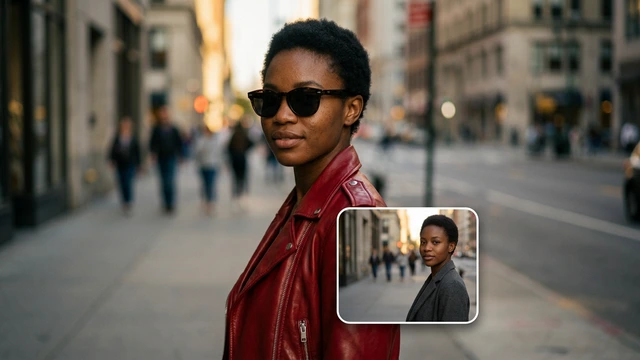
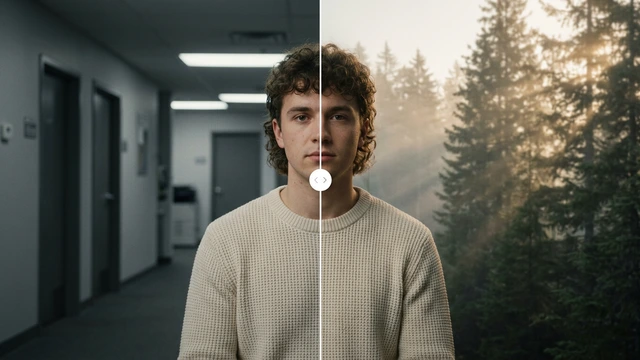
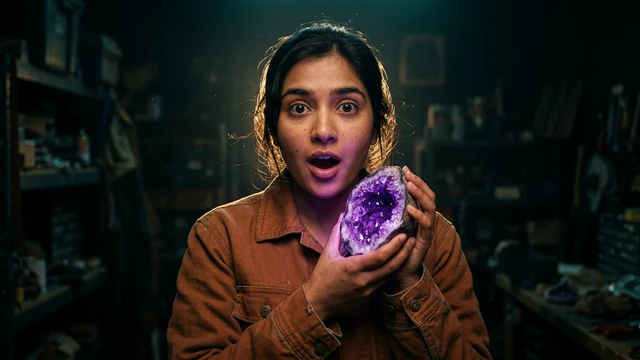
Open the YouTube thumbnail App, type the video topic and the title you want to see and, if you like, upload a photo of yourself. Generate the image in 16:9 and, if needed, fit it to 1280 × 720 and reduce its size with the free tools.
Open the App YouTube thumbnailOpening it is free. Generating uses credits; you see the cost first.
STEP BY STEP
Two fields: video topic and thumbnail title. Opening it costs nothing.
Three to five big words read well on a phone; the rest goes in the video title.
Upload a reference photo so you or your product appear. Only your own photos or ones you have permission for.
Check the cost and generate in 16:9. With Resize image you make it 1280 × 720, the size YouTube recommends.
If YouTube rejects it for being too large, Compress image shrinks it without changing how it looks.
BEFORE YOU START
TOOLS IN THIS GUIDE
An eye-catching cover for your video.
App · uses credits to generate
Pixels, percent or social media sizes.
Free tool · on your device
Make JPG, PNG and WebP files smaller.
Free tool · on your device
TIPS
Look at the thumbnail small, as in the suggested list: if it does not read, simplify.
Use colours that stand out against YouTube’s white or dark background.
Keep the same style across your thumbnails so people recognise you.
YouTube recommends 1280 × 720 pixels (16:9). The App works in 16:9 and the Resize image tool sets the exact size.
Yes, as an optional reference. It must be you or someone who gave permission.
The App uses GPT Image, which writes sharp text. Check the result and, if needed, generate another variation.
Opening the Apps, templates and the Studio is free. Generating requires a verified account and credits; Free includes no credits, but you can buy a top-up without a subscription. The cost is shown before you confirm, and credits never expire.
Change the weatherBeta Change the time of dayBeta
 Change the lightingBeta
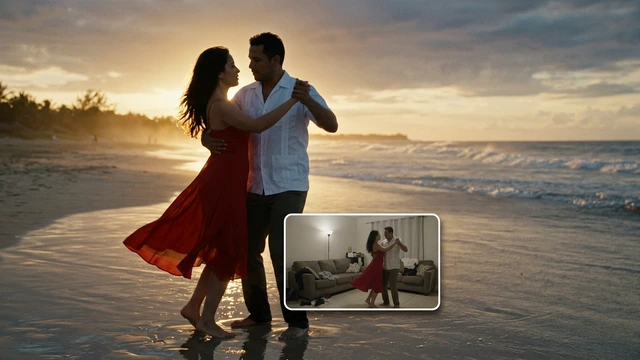 Change the video backgroundBeta
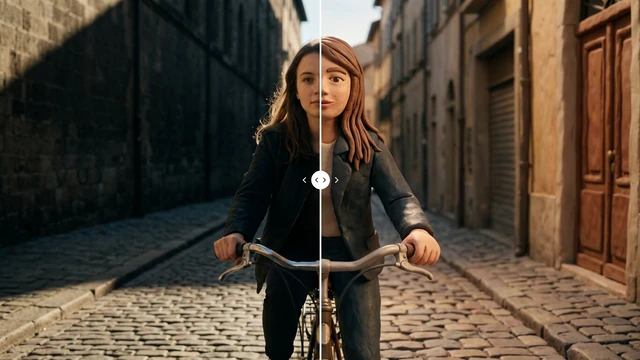 Restyle a videoBeta