




Remove background
Transparent PNG or a white background.
Free tool · on your device
 Social mediaYouTube, TikTok, Reels and Instagram9
 Marketing & adsProducts, ads and brand14
 Business by sectorRestaurants, beauty, real estate…64
 OccasionsBirthdays, weddings, quinceañeras…51
 Film & videoScenes, shots and storyboards10
 Edit videoWeather, light, background, style · Beta8
 Design & photoEdit, retouch and expand18
 Voice & audioVoice-overs, radio spots, stories3
 TrendingViral effects with your photo or video5
GUIDE · PHOTOS AND IMAGES
Open the free Remove background tool, add your photo and choose the background: transparent (PNG), white or a colour, with a sharp or soft edge. It is processed on your device, with no upload. If you want a new background, such as a beach or a studio, the Change the background App creates it with AI.
Open Remove backgroundFree with an account, no subscription or watermark. Your files never leave your device.
STEP BY STEP
Free, no watermark. The first time, your browser downloads the cut-out model (about 19 MB) and keeps it.
Up to 10 JPG, PNG or WebP. It works best when the person or object stands out from the background.
Transparent, white or a colour. Sharp edge for products; soft for hair and fuzzy edges.
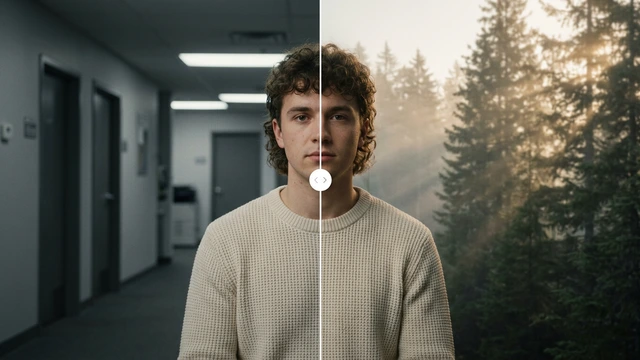
Compare before and after and download each photo or all of them in a ZIP.
To put in another setting, the Change the background App generates it with AI (it uses credits).
TOOLS IN THIS GUIDE
Transparent PNG or a white background.
Free tool · on your device
Up to 50 photos on a white background.
Free tool · on your device
A new place, same person or object.
App · uses credits to generate
Your product ready for Amazon or your site.
App · uses credits to generate
TIPS
A well-lit photo with the subject clearly separated from the background gives a cleaner edge.
For a catalogue, Photos for your store centres each product with the same margin in up to 50 photos.
With very fine hair, try the “Very soft” edge.
Choose “White” under Background and the photo downloads as a JPG on white. With “Transparent” you get a PNG with no background.
Those with a clear subject: a person, a product, a pet or an object that stands apart from the background. With backgrounds very similar to the subject, the edge may not be perfect.
Yes. The free tools in this guide run in your browser and add no watermark. Tools that create files share the 30 welcome uses of your free account, then cost 1 credit per use; tools that show the result on screen have no usage cap. You can try them before signing up; to download the result or keep using them we ask for a free account, with no subscription. The AI Apps it mentions do use credits to generate, and Free includes no credits.
Change the weatherBeta Change the time of dayBeta
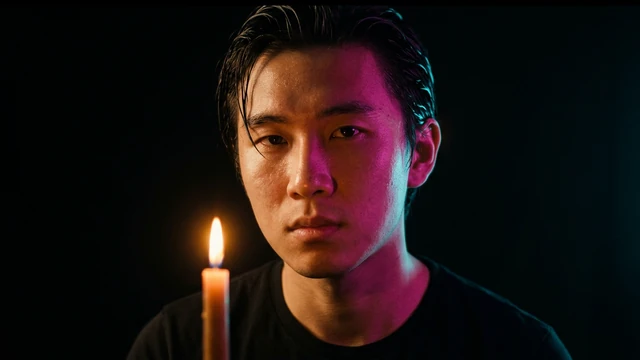 Change the lightingBeta
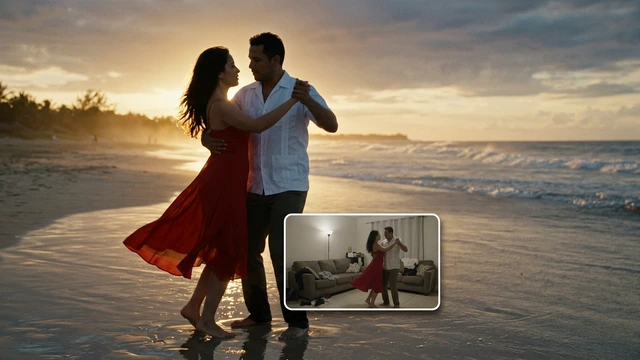 Change the video backgroundBeta
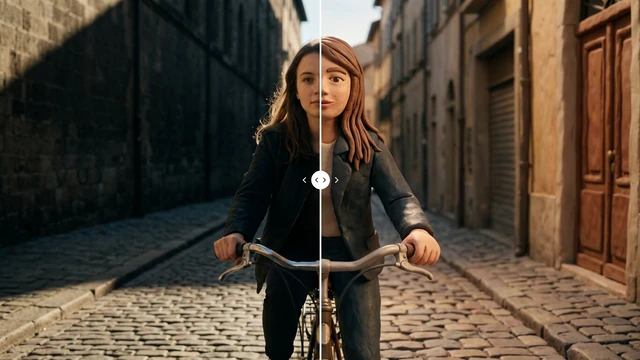 Restyle a videoBeta