





A professional setting
Product shot places your product in the scene you describe, in square format.
 Social mediaYouTube, TikTok, Reels and Instagram9
 Marketing & adsProducts, ads and brand14
 Business by sectorRestaurants, beauty, real estate…64
 OccasionsBirthdays, weddings, quinceañeras…51
 Film & videoScenes, shots and storyboards10
 Edit videoWeather, light, background, style · Beta8
 Design & photoEdit, retouch and expand18
 Voice & audioVoice-overs, radio spots, stories3
 TrendingViral effects with your photo or video5
MARKETING · ONLINE STORES
Start from a photo of your product, even one taken with your phone, and try it in a studio, on white or in new settings.
Open these Apps in the StudioExplore for free. Create with an account and credits.
WHAT YOU CAN MAKE
Product shot places your product in the scene you describe, in square format.
White background for stores prepares the clean image many marketplaces and your own site ask for.
Your product in new settings creates several scenes as separate files; Product video turns it into a clip.
APPS
Each App page explains what you upload, what you fill in and which model it uses.
Product shotYour product in a professional setting.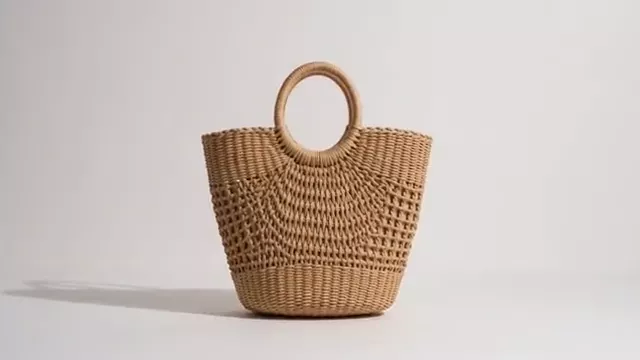 White background for storesYour product ready for Amazon or your site.
 Your product in new settingsOne photo, several settings as separate files.
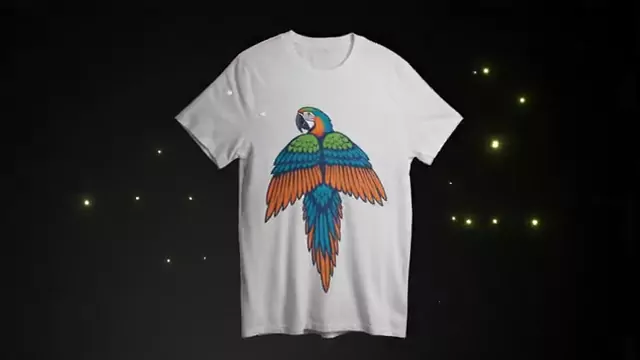 MockupYour design on real products.
 Product videoFrom a product photo to an ad.
 Your product in someone’s handsA person invented by the AI uses your product in a real place.
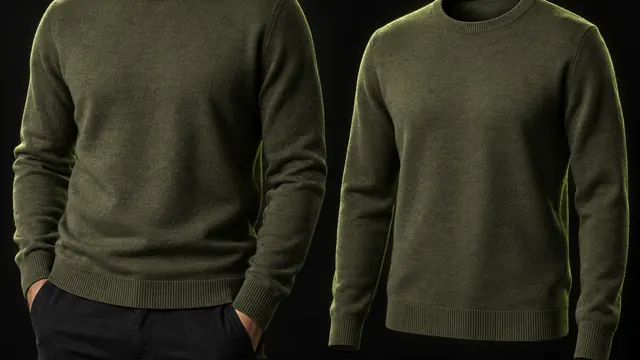 Your garment on a modelUpload your garment and see it on an invented model or on an invisible mannequin.
 Your dish ready for the menuYour dish photo with restaurant light and background, without changing the food.
HOW IT WORKS
Each App below is one task with its own short form. Opening it does not generate or charge anything.
Describe what you want and, when the App asks, upload your photo, video or reference. Use only material you have rights to.
The Studio shows the credits before creating. Nothing starts until you press Generate. View and download the result in this App.
Each App uses the first available model on its list and shows it to you before generating.
CREATE AT YOUR PACE
Buy a top-up or choose an optional plan. Check the cost of each creation before you confirm.
A sharp photo of your product. The clearer the shape, label and colour, the better the model keeps them.
Models try to keep it, but small details can change. Check labels, text and colours before publishing.
The App prepares an image on a white background. Check each store’s image rules before uploading it.
Exploring the Studio and opening the Apps is free. Generating requires a verified account and credits; Free includes no credits, but you can buy a top-up without a subscription. The cost is shown before you press Generate.
Change the weatherBeta Change the time of dayBeta
 Change the lightingBeta
 Change the video backgroundBeta
 Restyle a videoBeta