

A new style
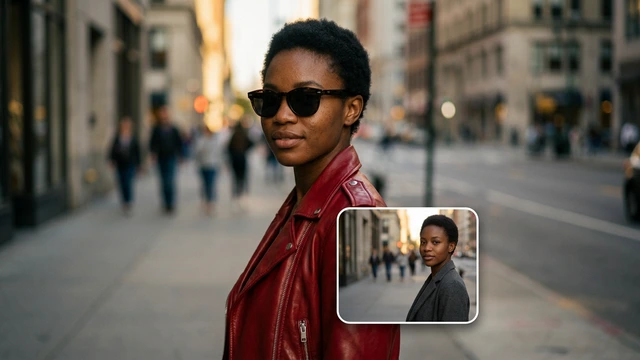
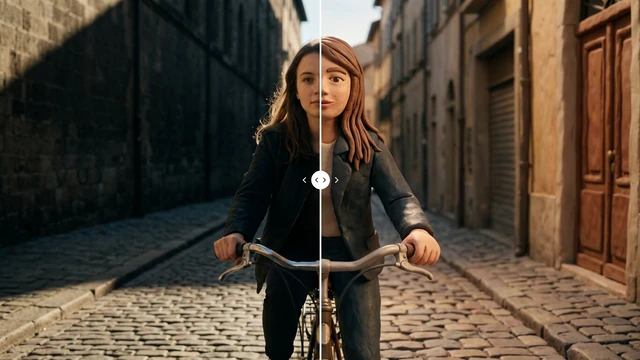
Restyle a video turns it into anime, claymation or watercolour.
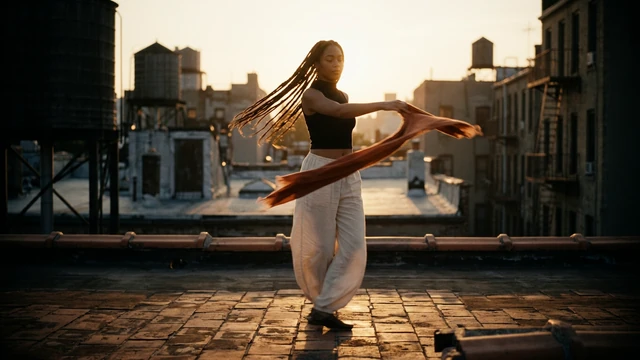 Social mediaYouTube, TikTok, Reels and Instagram9
 Marketing & adsProducts, ads and brand14
 Business by sectorRestaurants, beauty, real estate…64
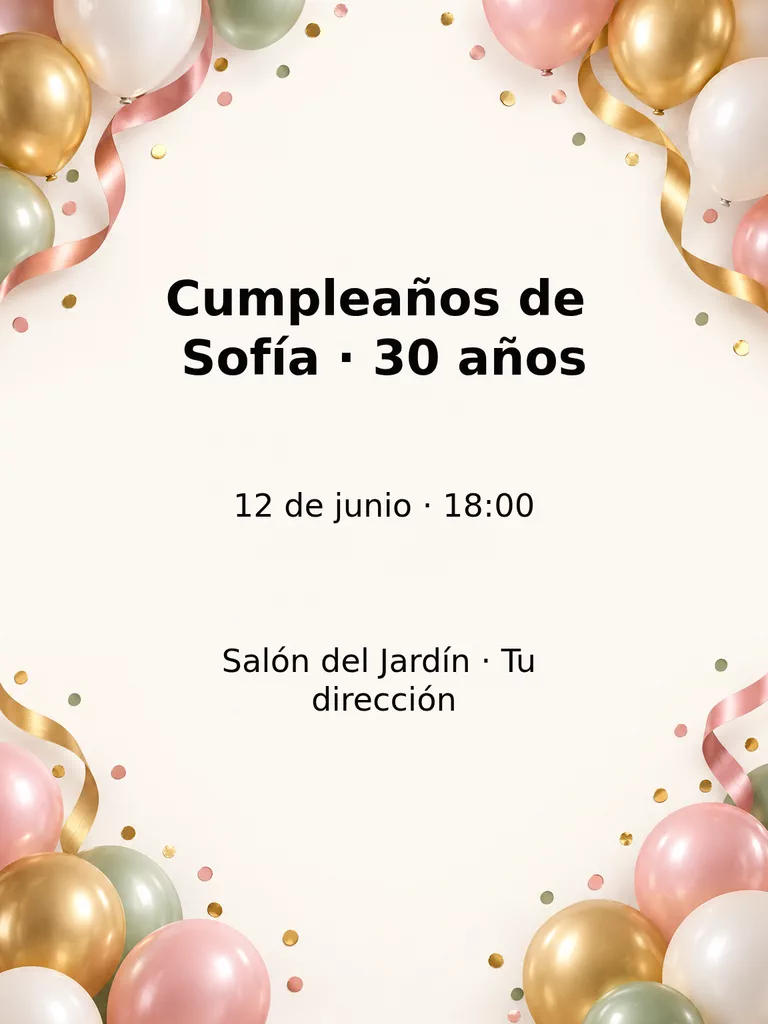 OccasionsBirthdays, weddings, quinceañeras…51
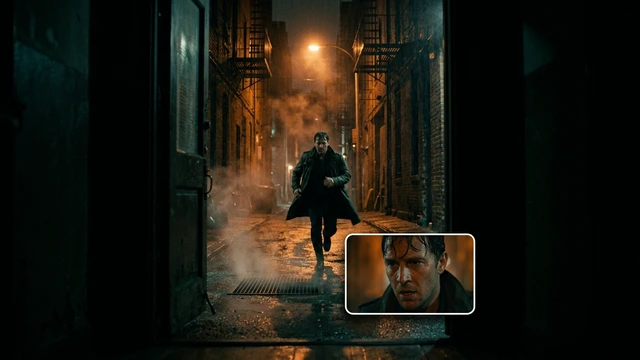 Film & videoScenes, shots and storyboards10
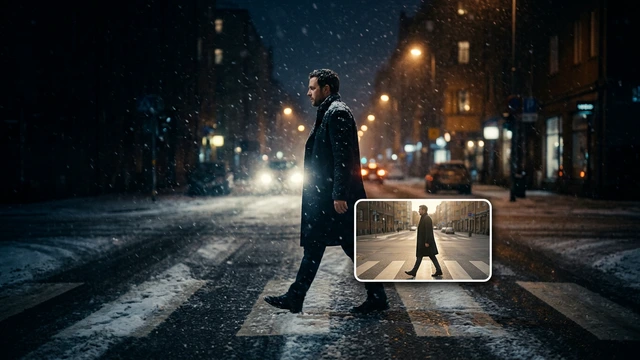 Edit videoWeather, light, background, style · Beta8
 Design & photoEdit, retouch and expand18
 Voice & audioVoice-overs, radio spots, stories3
 TrendingViral effects with your photo or video5
VIDEO · TRANSFORM · BETA
Upload a short clip and choose what to change. These Apps are in Beta: results can vary between attempts, so review them before use.
Open these Apps in the StudioExplore for free. Create with an account and credits.
WHAT YOU CAN MAKE
Restyle a video turns it into anime, claymation or watercolour.
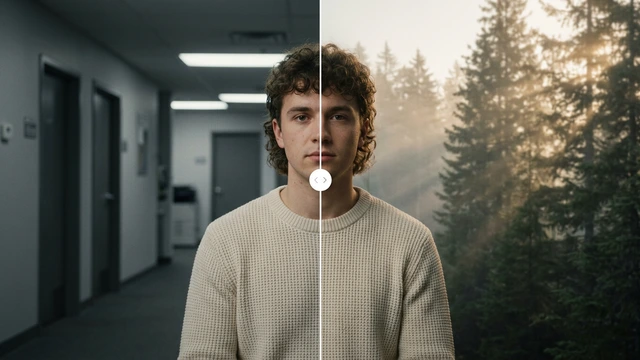
Change the video background, Change the weather and Change the time of day modify your scene’s setting.
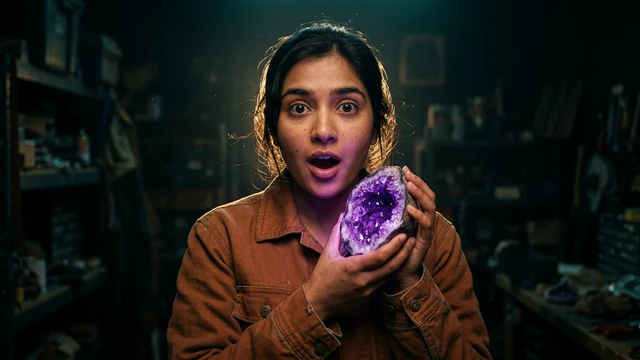
Change the lighting and Cinematic look for videos adjust the light and colour grade.
APPS
Each App page explains what you upload, what you fill in and which model it uses.
BetaRestyle a videoAnime, claymation, watercolour…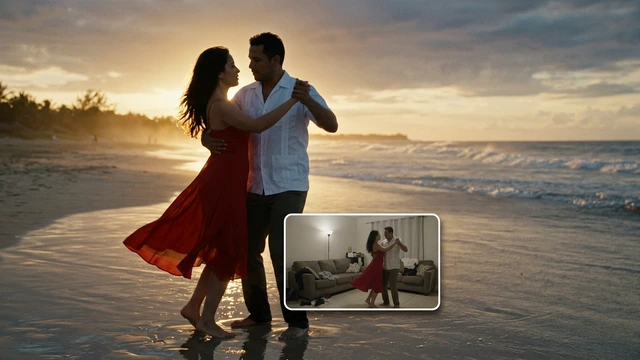 BetaChange the video backgroundA new place behind your characters.BetaChange the weatherRain, snow or fog in your video.
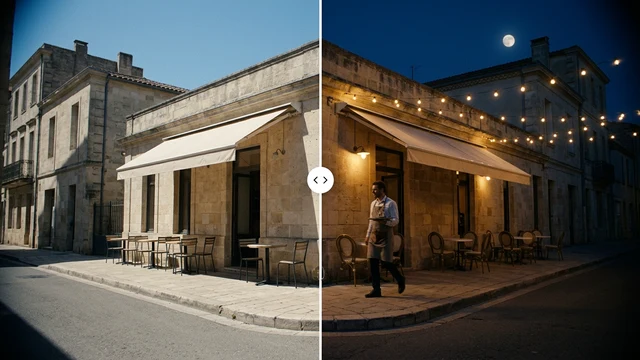 BetaChange the time of dayDay to night, or golden hour.
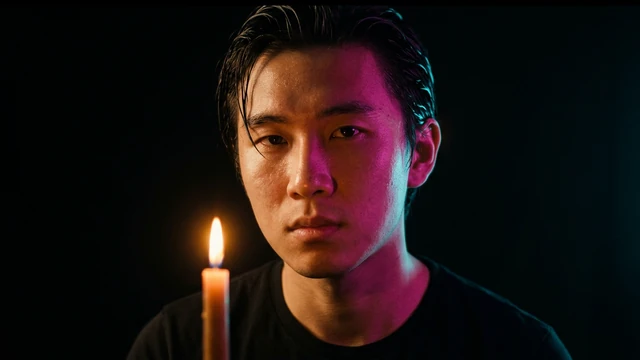 BetaChange the lightingStudio, neon or candle light.
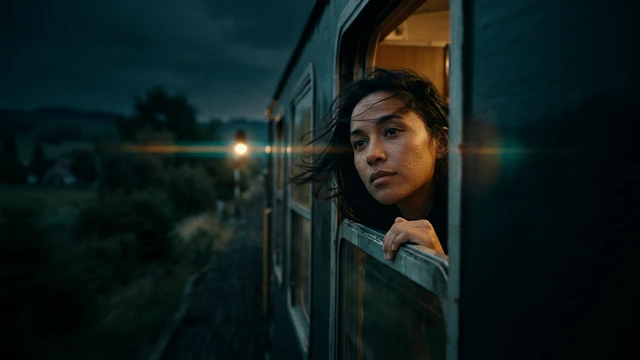 BetaCinematic look for videosA colour grade for your video.
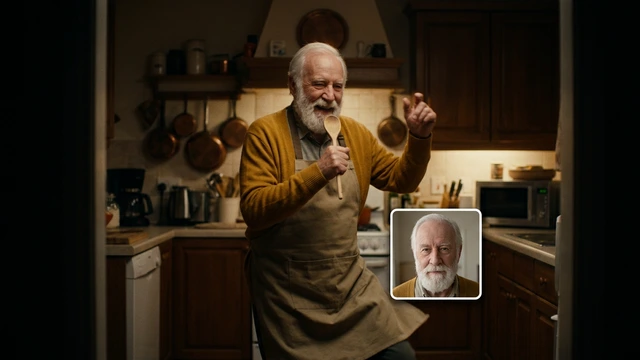 BetaSwap the characterPut someone else in your scene.
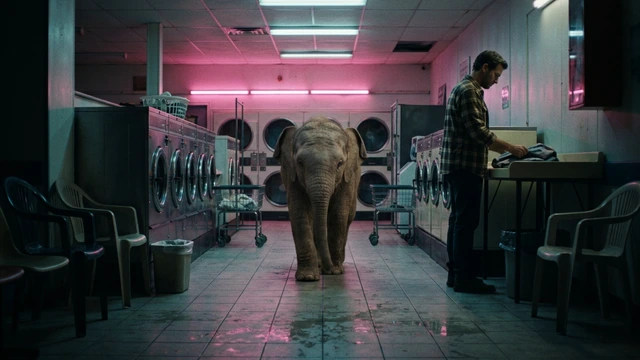 BetaAdd something to your videoAn animal, an object or an invented character joins your scene.
HOW IT WORKS
Each App below is one task with its own short form. Opening it does not generate or charge anything.
Describe what you want and, when the App asks, upload your photo, video or reference. Use only material you have rights to.
Once the form is complete, “Create” shows how many credits it costs. Nothing starts or is charged until you press it. View and download the result in this App.
Each App uses a model from its list; the model selector only appears if the default model cannot run the App.
CREATE AT YOUR PACE
Buy a top-up or choose an optional plan. Check the cost of each creation before you confirm.
A short clip; each App shows the duration it accepts (for example, 2–30 s). It must be yours or have permission from whoever appears.
No. Each App generates a new video from yours. To cut, join or add music, use your video editor.
These are recent Apps: results can vary. Check the cost before each generation and review the video before using it.
Exploring the Studio and opening the Apps is free. Generating requires a verified account and credits; Free includes no credits, but you can buy a top-up without a subscription. The cost shows on the “Create” button before you press it.
Change the weatherBetaChange the time of dayBetaChange the lightingBetaChange the video backgroundBetaRestyle a videoBeta