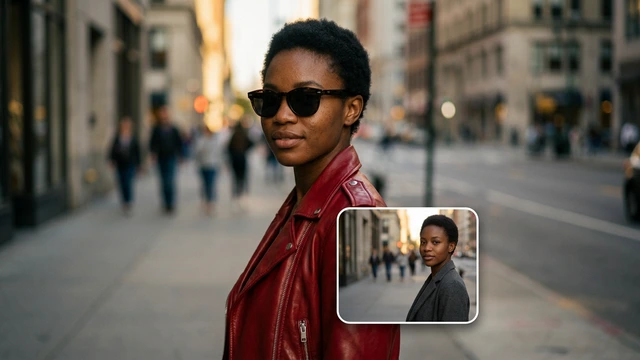




9:16 clips from an idea
The Vertical video App sets up the format for TikTok, Reels and Shorts with Seedance 2.5 or Kling 3.0.
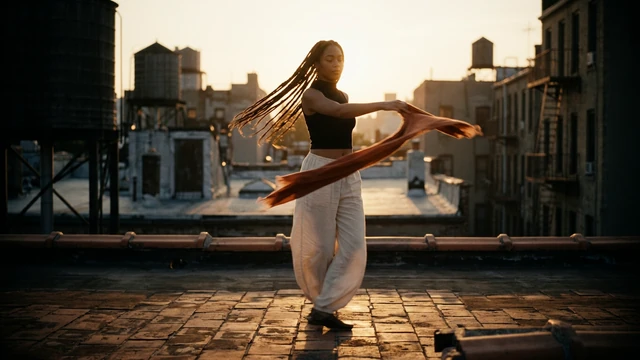 Social mediaYouTube, TikTok, Reels and Instagram9
 Marketing & adsProducts, ads and brand14
 Business by sectorRestaurants, beauty, real estate…64
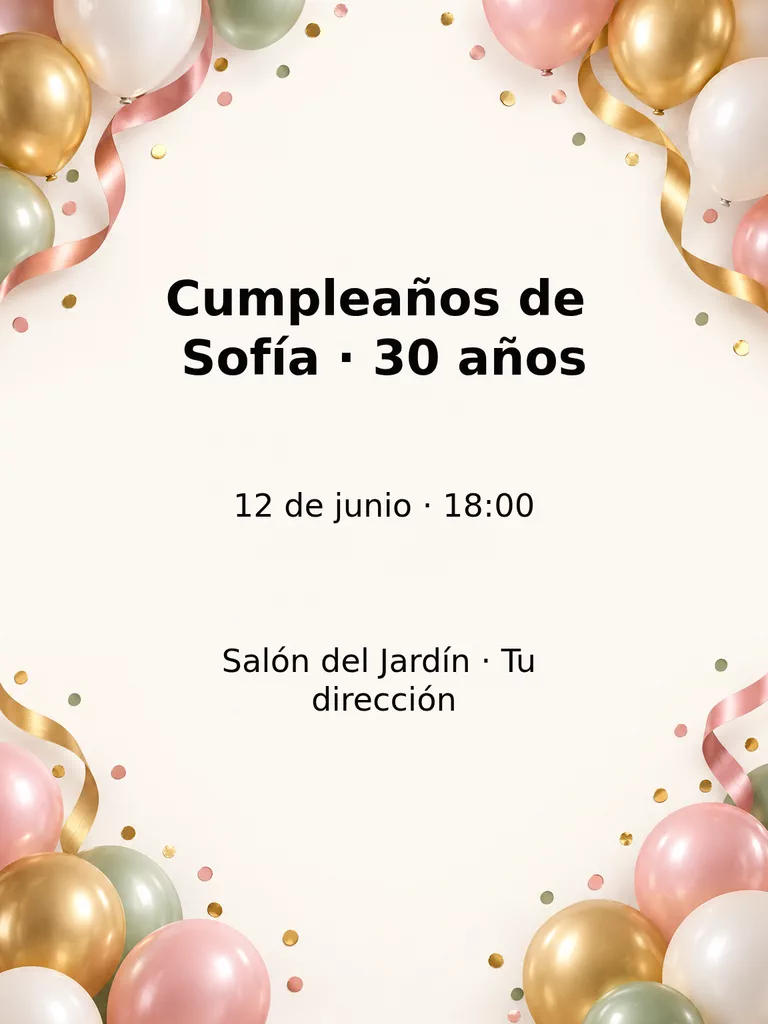 OccasionsBirthdays, weddings, quinceañeras…51
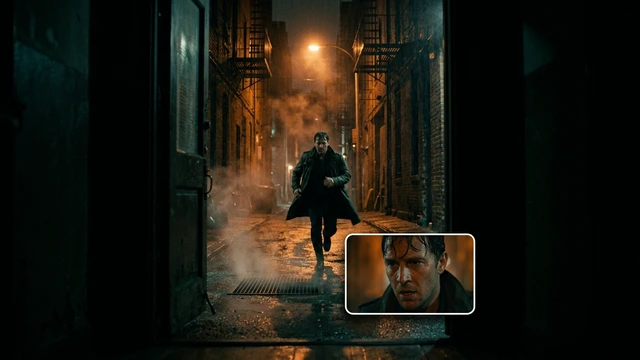 Film & videoScenes, shots and storyboards10
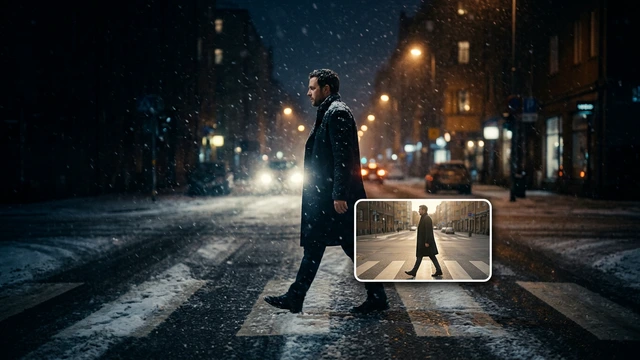 Edit videoWeather, light, background, style · Beta8
 Design & photoEdit, retouch and expand18
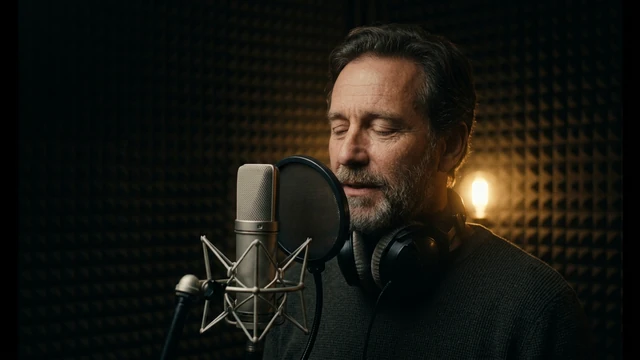 Voice & audioVoice-overs, radio spots, stories3
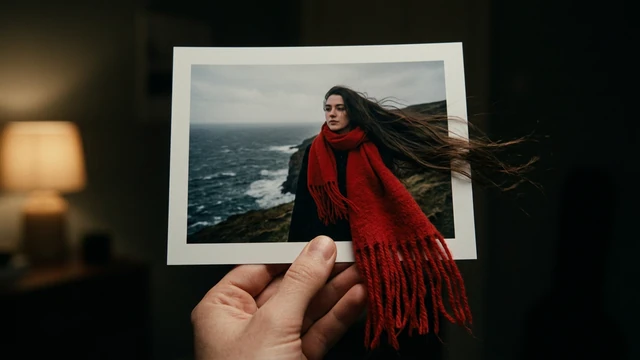 TrendingViral effects with your photo or video5
SOCIAL MEDIA · VERTICAL VIDEO
Go from an idea to a vertical clip for social media. Pick an App, write what should happen and, if you like, upload a photo of your product or character.
Open these Apps in the StudioExplore for free. Create with an account and credits.
WHAT YOU CAN MAKE
The Vertical video App sets up the format for TikTok, Reels and Shorts with Seedance 2.5 or Kling 3.0.
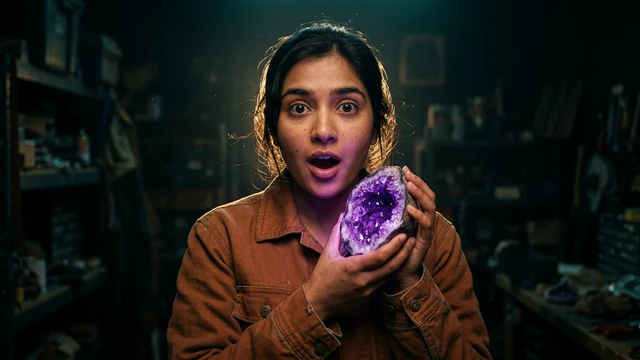
UGC video and Video ad with voice create short clips with sound from your text and, if you have one, a product photo.
Reel or TikTok cover and Instagram post create the still image with your title to go with the video.
APPS
Each App page explains what you upload, what you fill in and which model it uses.
Vertical videoFor TikTok, Reels and Shorts.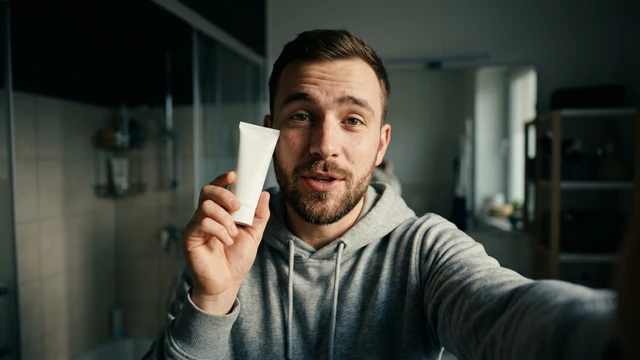 UGC videoA person recommends your product on camera.
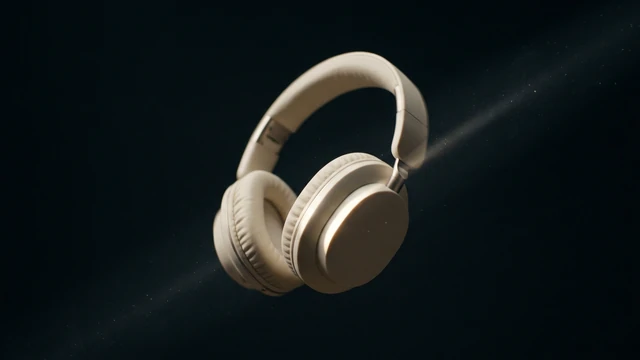
 Video ad with voice8 vertical seconds, with sound.
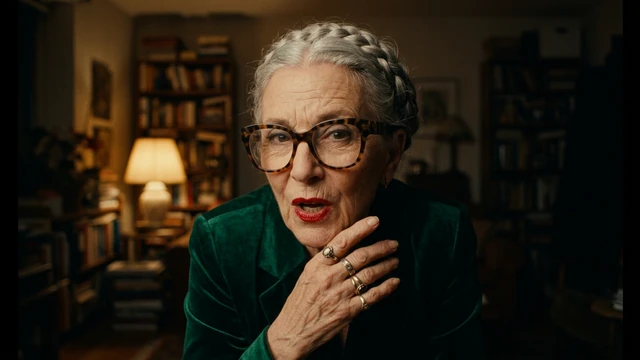 Talking characterYour character says your line, with voice.
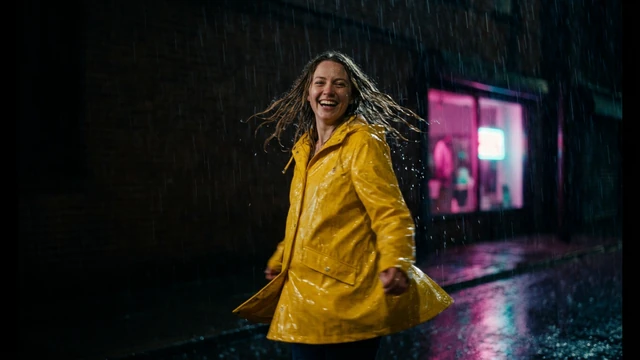 Reel or TikTok coverA vertical image with your title.
 Instagram postA square image for your post.
HOW IT WORKS
Each App below is one task with its own short form. Opening it does not generate or charge anything.
Describe what you want and, when the App asks, upload your photo, video or reference. Use only material you have rights to.
Once the form is complete, “Create” shows how many credits it costs. Nothing starts or is charged until you press it. View and download the result in this App.
Each App uses a model from its list; the model selector only appears if the default model cannot run the App.
CREATE AT YOUR PACE
Buy a top-up or choose an optional plan. Check the cost of each creation before you confirm.
The vertical video Apps work in 9:16. Each App page shows its format, duration and resolution before you open it.
Yes, with Apps that accept a reference photo. You must hold the rights or have permission from anyone who appears.
It depends on the App and model. UGC video, Talking character and Video ad with voice use Veo 3.1 Fast, which generates audio; check each App page.
Exploring the Studio and opening the Apps is free. Generating requires a verified account and credits; Free includes no credits, but you can buy a top-up without a subscription. The cost shows on the “Create” button before you press it.
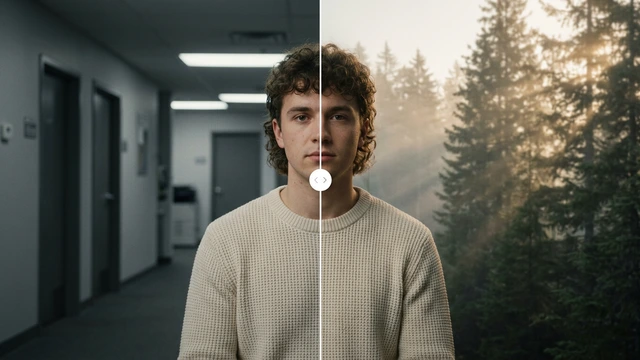
Change the weatherBeta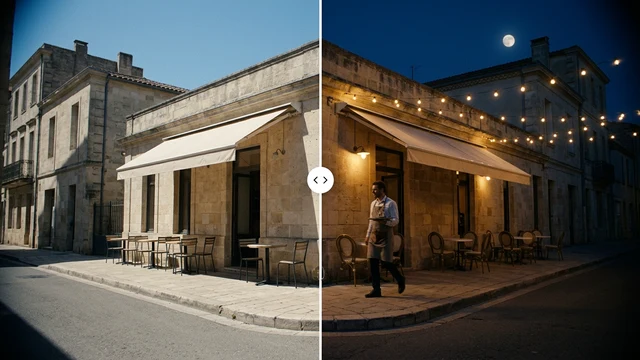 Change the time of dayBeta
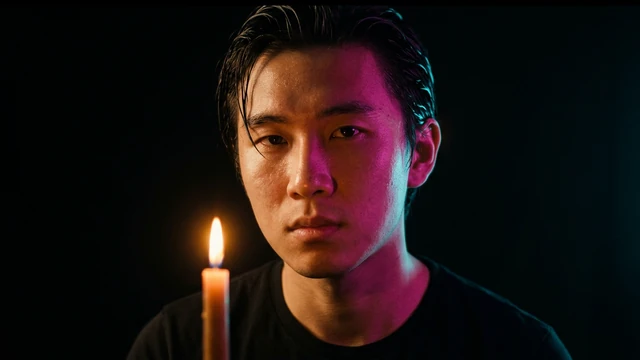 Change the lightingBeta
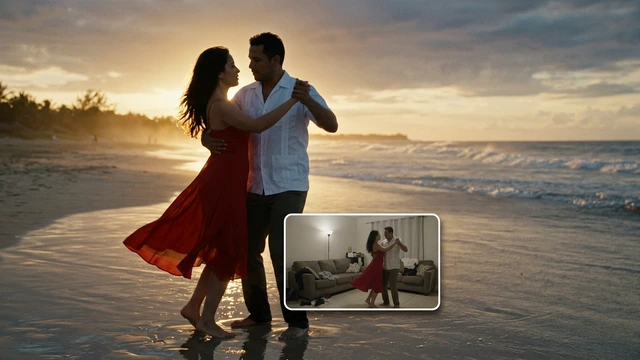 Change the video backgroundBeta
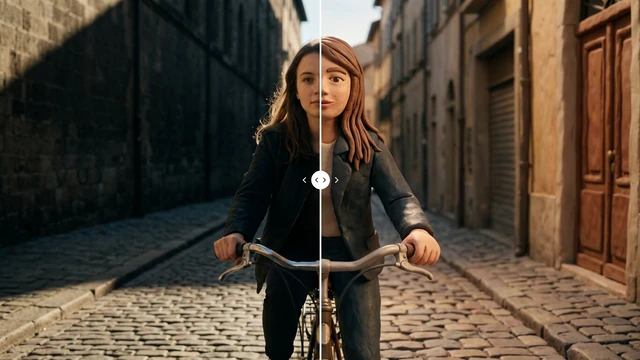 Restyle a videoBeta