






Effects from your photo
Cosmic zoom, Living statue, Time freeze and Firefly glow turn a single photo into a clip with Veo 3.1 Fast or Seedance 2.5.
 Social mediaYouTube, TikTok, Reels and Instagram9
 Marketing & adsProducts, ads and brand14
 Business by sectorRestaurants, beauty, real estate…64
 OccasionsBirthdays, weddings, quinceañeras…51
 Film & videoScenes, shots and storyboards10
 Edit videoWeather, light, background, style · Beta8
 Design & photoEdit, retouch and expand18
 Voice & audioVoice-overs, radio spots, stories3
 TrendingViral effects with your photo or video5
TRENDS · VIDEO EFFECTS
Start from a photo of yourself or anything you like and pick the effect. Each App creates a short clip made for sharing on social media.
Open these Apps in the StudioExplore for free. Create with an account and credits.
WHAT YOU CAN MAKE
Cosmic zoom, Living statue, Time freeze and Firefly glow turn a single photo into a clip with Veo 3.1 Fast or Seedance 2.5.
Object effects makes something in your photo melt, inflate, float or burst in a video.
Copy the move takes the motion from your video and applies it to the person in your photo. It is in Beta: review the result before using it.
APPS
Each App page explains what you upload, what you fill in and which model it uses.
Cosmic zoomThe camera shoots up from you into space.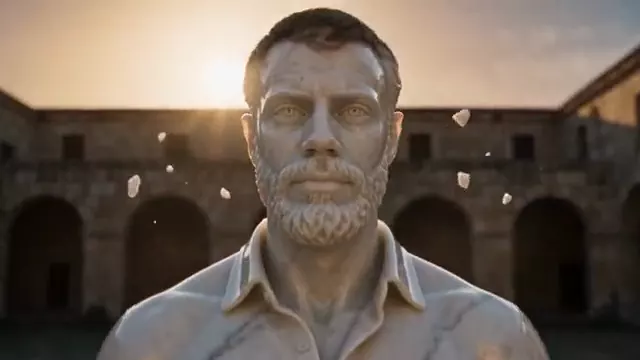 Living statueYou turn into marble, gold, ice or sand.
 Time freezeThe world freezes and only you move.
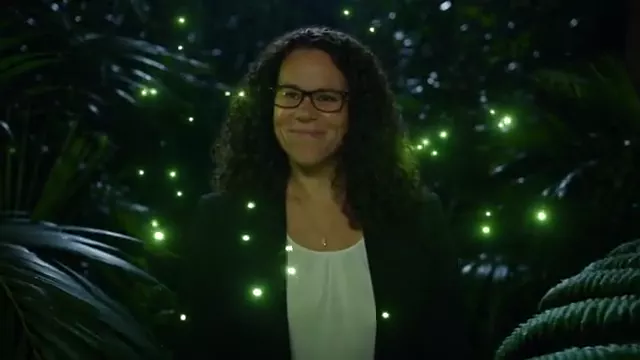 Firefly glowA swarm of fireflies wraps you in green light.
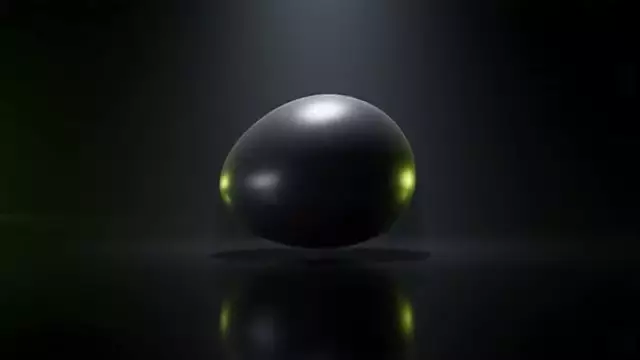 Object effectsAn object in your photo melts, inflates, floats or bursts in a video.
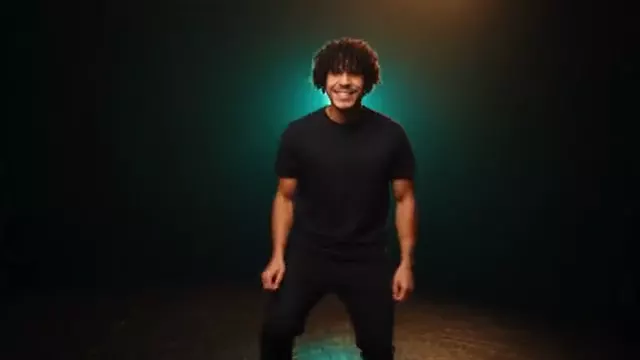 BetaCopy the moveYour photo dances or moves like your video.
HOW IT WORKS
Each App below is one task with its own short form. Opening it does not generate or charge anything.
Describe what you want and, when the App asks, upload your photo, video or reference. Use only material you have rights to.
The Studio shows the credits before creating. Nothing starts until you press Generate. View and download the result in this App.
Each App uses the first available model on its list and shows it to you before generating.
CREATE AT YOUR PACE
Buy a top-up or choose an optional plan. Check the cost of each creation before you confirm.
A photo for almost every effect; Copy the move also asks for a video with the motion. Use only material you have rights to, with permission from anyone who appears.
They are short clips. Duration and resolution depend on the model, and the Studio shows them before you generate.
Yes. Download the clip from the App and post it wherever you like.
Exploring the Studio and opening the Apps is free. Generating requires a verified account and credits; Free includes no credits, but you can buy a top-up without a subscription. The cost is shown before you press Generate.
Change the weatherBeta Change the time of dayBeta
 Change the lightingBeta
 Change the video backgroundBeta
 Restyle a videoBeta