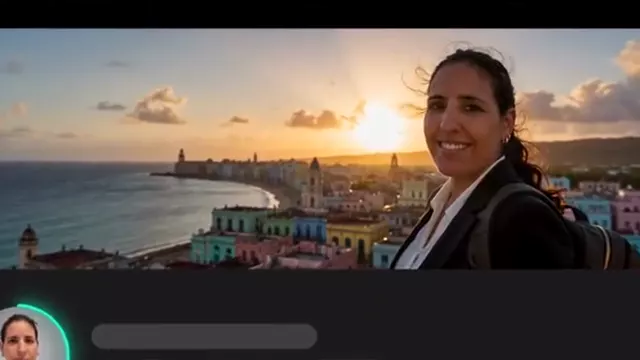
16:9 thumbnails
Write the title and idea; the YouTube thumbnail App prepares a 16:9 image with GPT Image.
 Social mediaYouTube, TikTok, Reels and Instagram9
 Marketing & adsProducts, ads and brand14
 Business by sectorRestaurants, beauty, real estate…64
 OccasionsBirthdays, weddings, quinceañeras…51
 Film & videoScenes, shots and storyboards10
 Edit videoWeather, light, background, style · Beta8
 Design & photoEdit, retouch and expand18
 Voice & audioVoice-overs, radio spots, stories3
 TrendingViral effects with your photo or video5
SOCIAL MEDIA · YOUTUBE
The thumbnail, the channel banner, the narration and a few supporting shots: each task has its own App with a short form.
Open these Apps in the StudioExplore for free. Create with an account and credits.

WHAT YOU CAN MAKE
Write the title and idea; the YouTube thumbnail App prepares a 16:9 image with GPT Image.
Voice-over reads your text with ElevenLabs or MiniMax. Download it and add it in your editor.
Multi-shot video and Direct a shot create 16:9 shots to go with your explanation.
APPS
Each App page explains what you upload, what you fill in and which model it uses.
HOW IT WORKS
Each App below is one task with its own short form. Opening it does not generate or charge anything.
Describe what you want and, when the App asks, upload your photo, video or reference. Use only material you have rights to.
The Studio shows the credits before creating. Nothing starts until you press Generate. View and download the result in this App.
Each App uses the first available model on its list and shows it to you before generating.
CREATE AT YOUR PACE
Buy a top-up or choose an optional plan. Check the cost of each creation before you confirm.
You can write the text you want to see. Check the result before publishing: the model may need another attempt to get it right.
No. Cocuyo generates images, clips and voices separately; you assemble the final video in your editor.
Yes. Voices and languages depend on the model; check them in the Studio before generating.
Exploring the Studio and opening the Apps is free. Generating requires a verified account and credits; Free includes no credits, but you can buy a top-up without a subscription. The cost is shown before you press Generate.
Change the weatherBeta Change the time of dayBeta
 Change the lightingBeta
 Change the video backgroundBeta
 Restyle a videoBeta