
Stricter forms
Some application, registration or exam websites limit the photo or document to 50 KB. With this preset you do not have to guess the quality.
 Social mediaYouTube, TikTok, Reels and Instagram9
 Marketing & adsProducts, ads and brand14
 Business by sectorRestaurants, beauty, real estate…64
 OccasionsBirthdays, weddings, quinceañeras…51
 Film & videoScenes, shots and storyboards10
 Edit videoWeather, light, background, style · Beta8
 Design & photoEdit, retouch and expand18
 Voice & audioVoice-overs, radio spots, stories3
 TrendingViral effects with your photo or video5
FREE TOOL · PRESET READY
The 50 KB target, JPG output and a 1080 px maximum width are already selected. Add your photo and Cocuyo finds the highest quality that fits in 50 KB; if 1080 px is not enough, it shrinks the dimensions step by step (up to 6 tries) and, if it still does not fit, gives you the lightest version and tells you.
HOW TO DO IT
Up to 10 JPG, PNG or WebP files of up to 30 MB each.
50 KB, JPG and 1080 px come pre-selected. If the form asks for exact dimensions, set them first with Resize image or Passport photo maker.
Each photo or all of them in a ZIP, with the size before and after.
WHEN TO USE IT
Some application, registration or exam websites limit the photo or document to 50 KB. With this preset you do not have to guess the quality.
Internal platforms, intranets or product listings that ask for small images load faster with 50 KB photos.
It is the width of many social media posts and enough to see the whole photo on a phone. At 50 KB, starting from 1080 px keeps more sharpness than compressing a photo several thousand pixels wide.
REAL LIMITS
Landscapes, crowds, leaves or small text carry a lot of detail and shrink worst. The tool reduces the dimensions to try to make them fit and tells you if it cannot.
If only part of the image matters (a face, a document), crop it first with Crop image: less area means more quality for the same size.
If you are asked for, say, an ID photo with set dimensions, use Passport photo maker or Resize image before compressing.
THREE TARGETS
Add it here: 50 KB, JPG and 1080 px are already selected. Press “Compress image” and download it; you see the final size next to the photo.
The tool tries up to 6 progressively smaller sizes. If it still does not fit, you get the lightest possible version and the tool says so: try cropping the photo or lowering the “Maximum width”.
On screen, at 1080 px and 50 KB a photo with a simple background usually looks fine; photos with lots of detail lose more sharpness.
1024 bytes. If a form counts 1000 and rejects it by a small margin, enter 48 KB to be safe.
No. Everything happens inside your browser: the file is read and processed on your device and is not sent to Cocuyo or to any third party. You can check it in your browser’s network tools: your file is not sent.
Yes. You can try it before signing up; to download the result we ask for a free account, with no subscription. Your free account comes with 30 welcome uses; after that, each use costs 1 credit (top-ups from US$1), and they are unlimited with Basic or Pro. It never adds a watermark.
MORE FREE TOOLS
Change the weatherBeta Change the time of dayBeta
 Change the lightingBeta
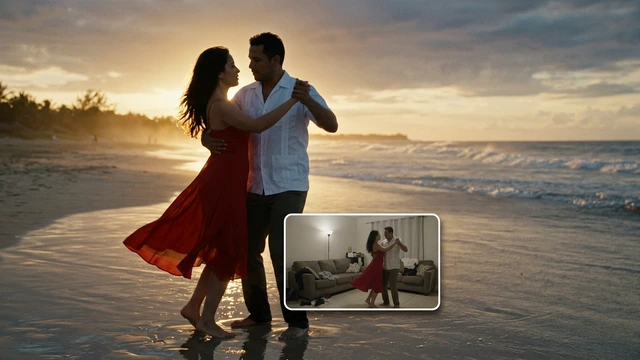 Change the video backgroundBeta
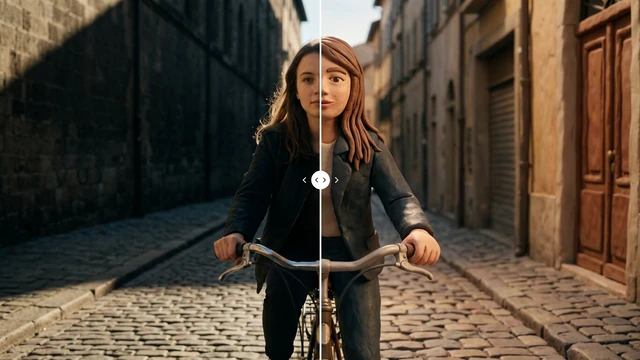 Restyle a videoBeta